Tested on Flare and Sunburst
GPT Image 2.6 Prompts
These GPT Image 2.6 prompts were each run on GPT-Image-2.6 Flare or Sunburst, and every card shows what came back: 15 looping GIFs and 4 still pictures. Under each result you see the exact prompt, the model, the frame count, the speed and the shape. Copy a prompt for ChatGPT or the API, or press "Use this prompt" to load it, with its settings, into the generator here.
Browse the promptsHow to write a GPT Image 2.6 prompt
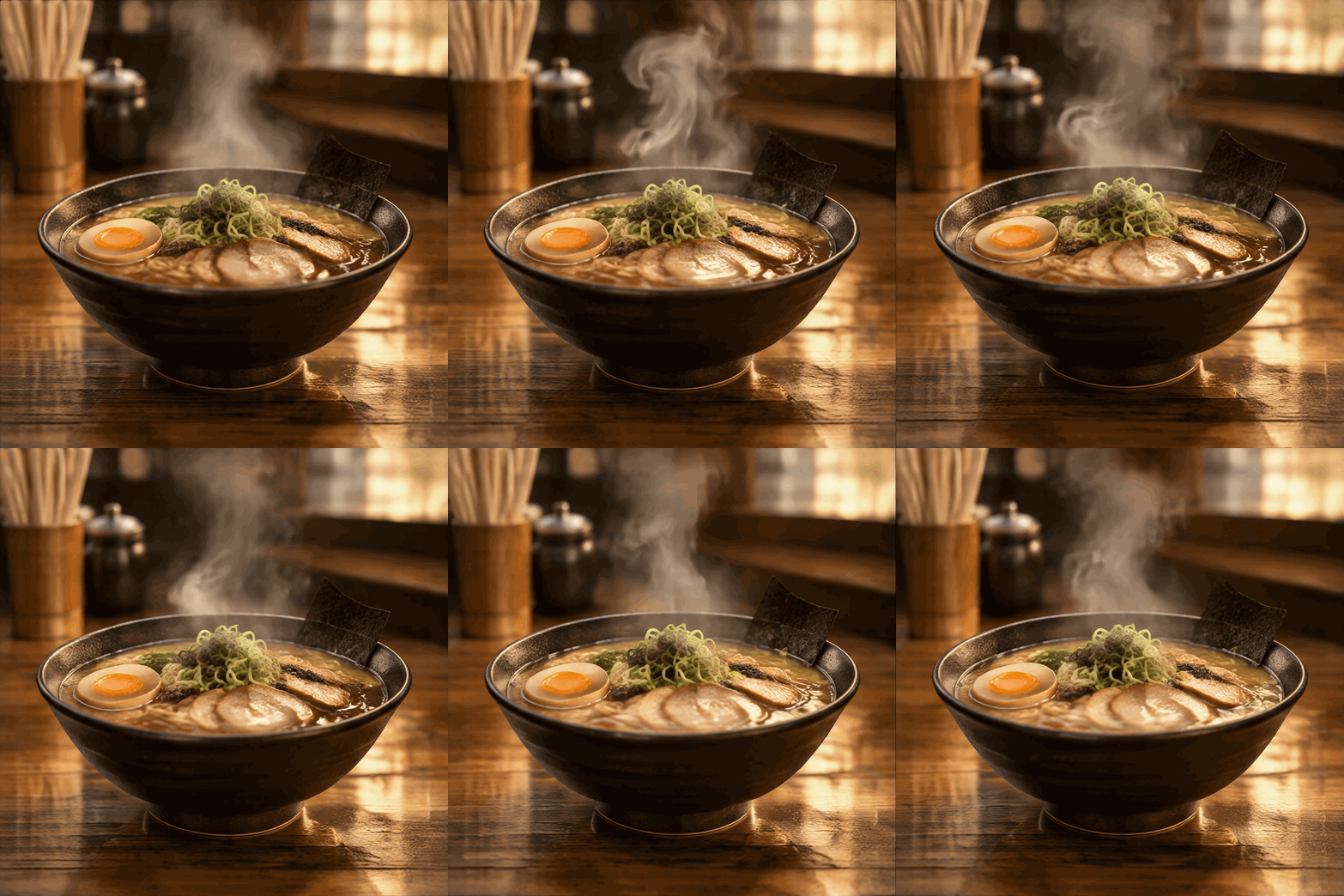
A GPT Image 2.6 prompt for a still picture needs four things: the subject, the setting, the light and the look. A prompt for a GIF needs two more: one motion that repeats, and a camera that does not move. "A bowl of ramen on a wooden counter, steam rising in slow curls, still camera, warm evening light" has all six.
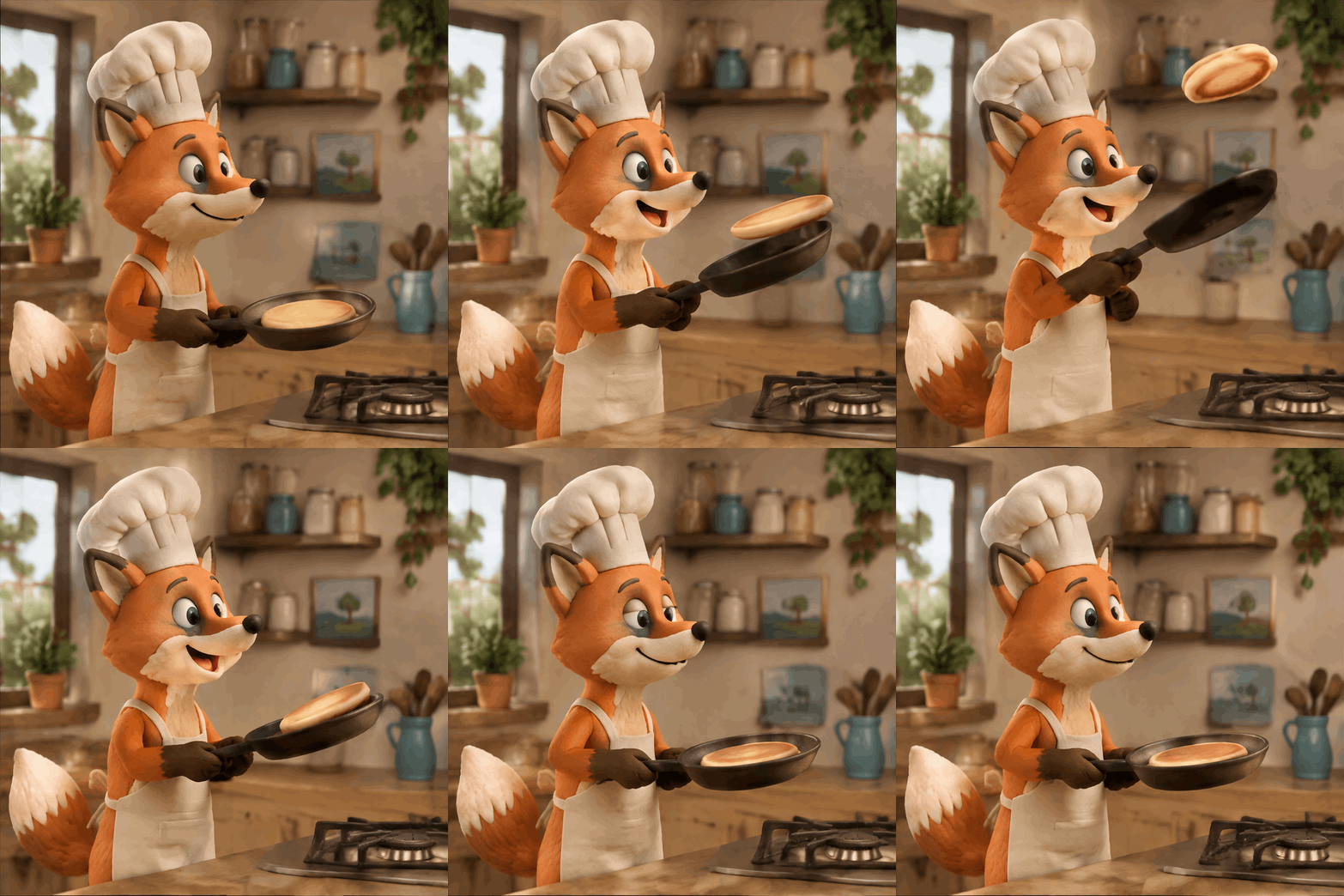
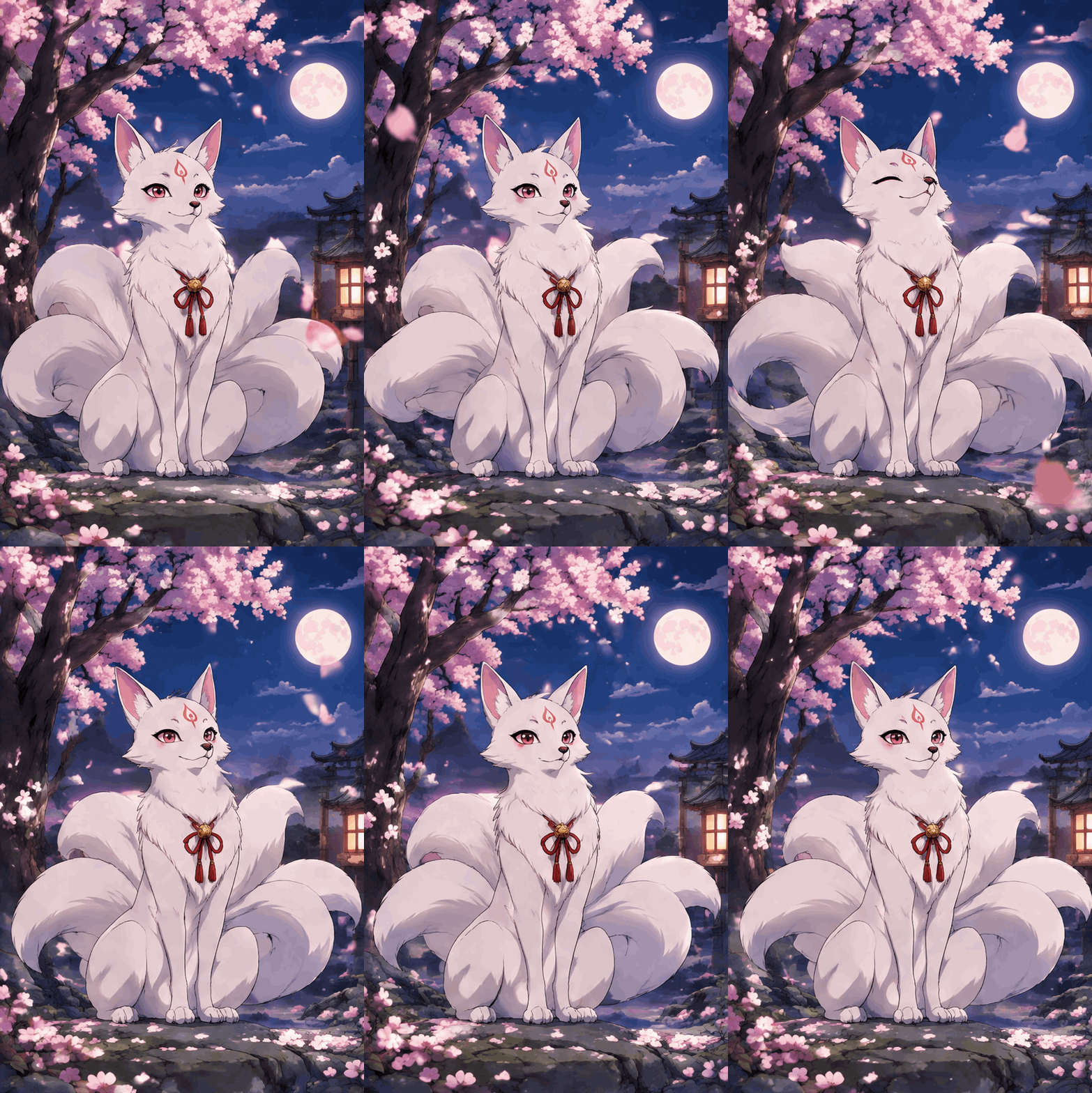
Choose a motion that ends where it starts. Steam, rain, a flame, a blink, a spin and a wave all return to their first frame, so the loop has no visible jump. A one-way action, such as a car driving out of the picture, snaps back when the GIF repeats.
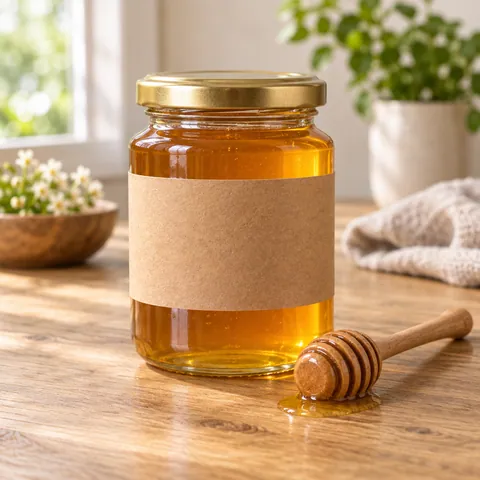
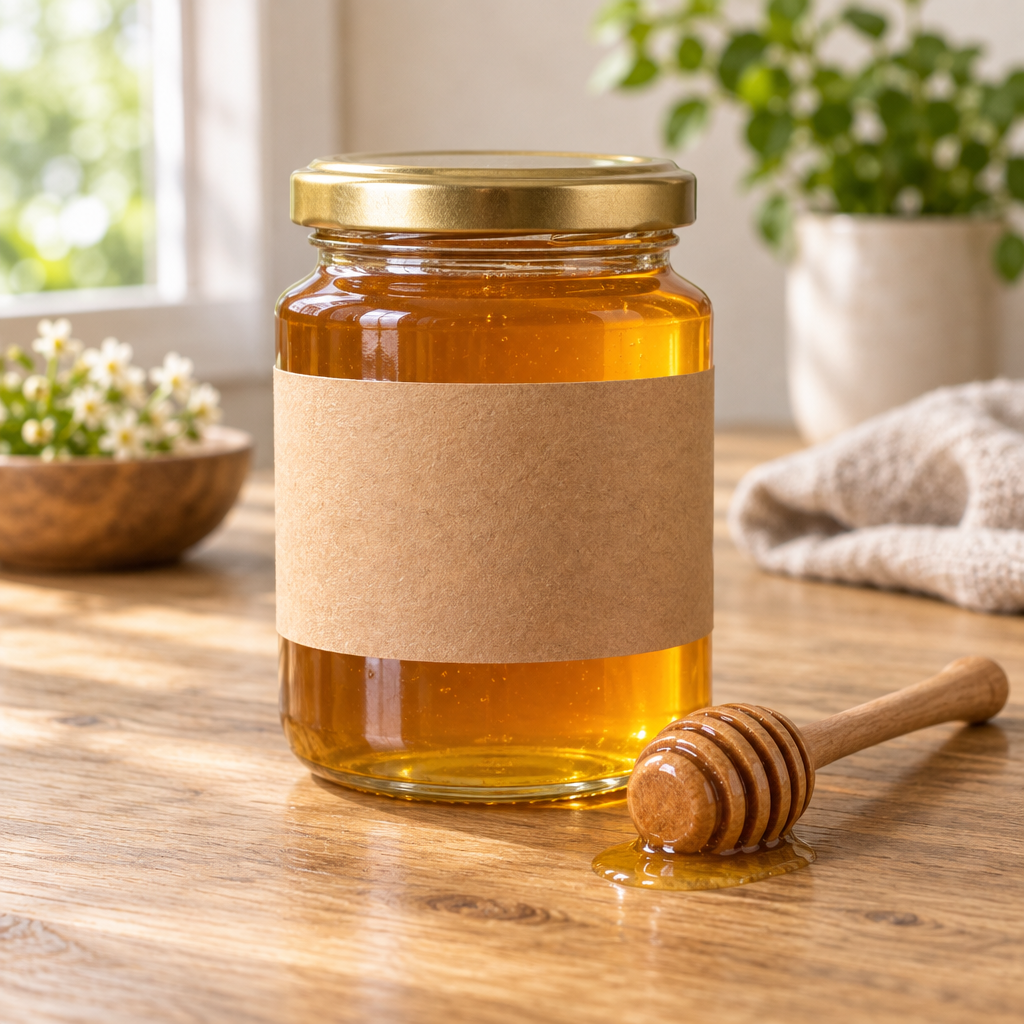
Write the words you want drawn in quotes and in capitals, and say where they go. Say what must not appear, too: "no logos" and "blank label" kept brand marks off the product prompts on this page.
GPT Image 2.6 GIF prompts for looping scenes
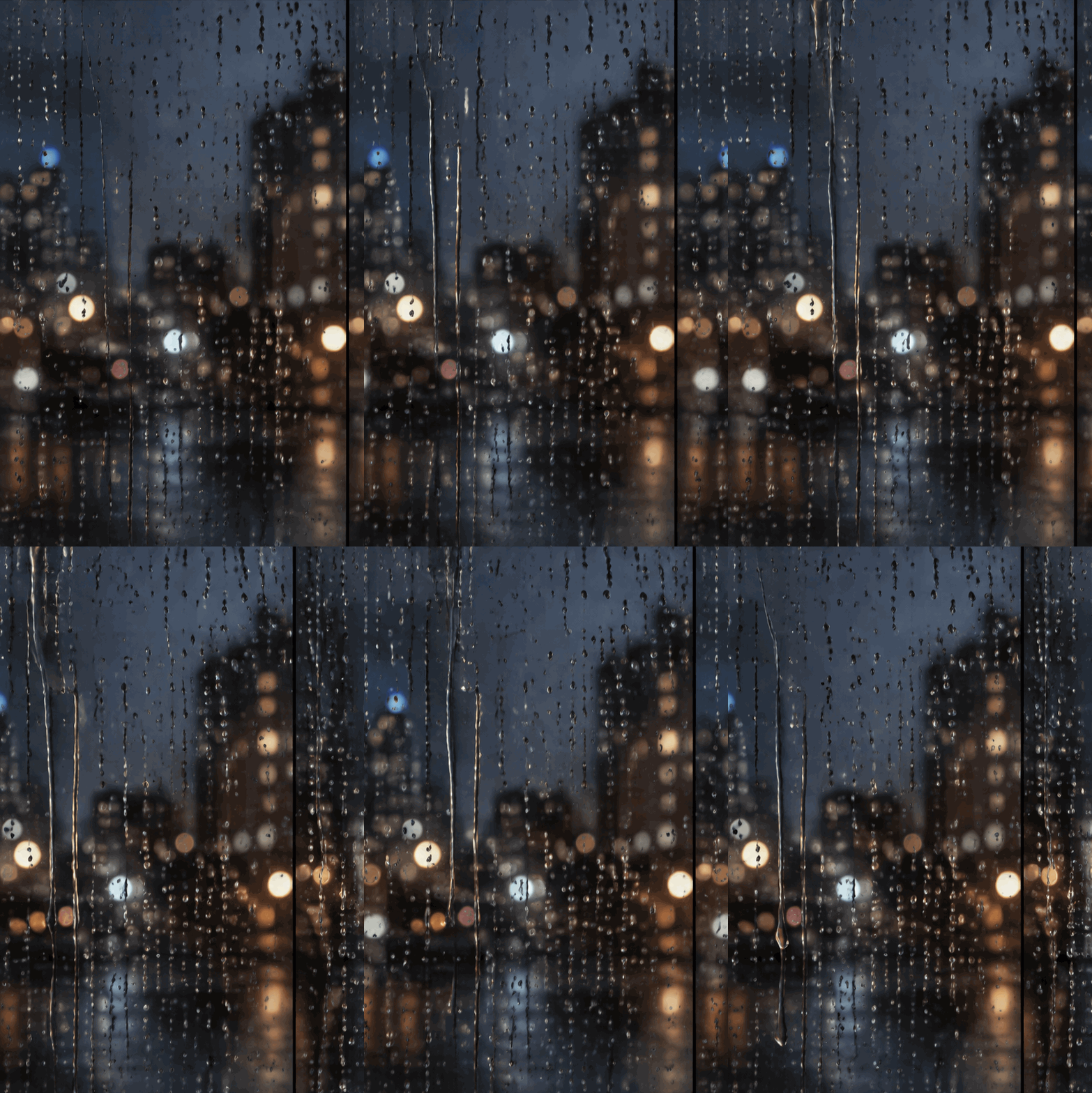
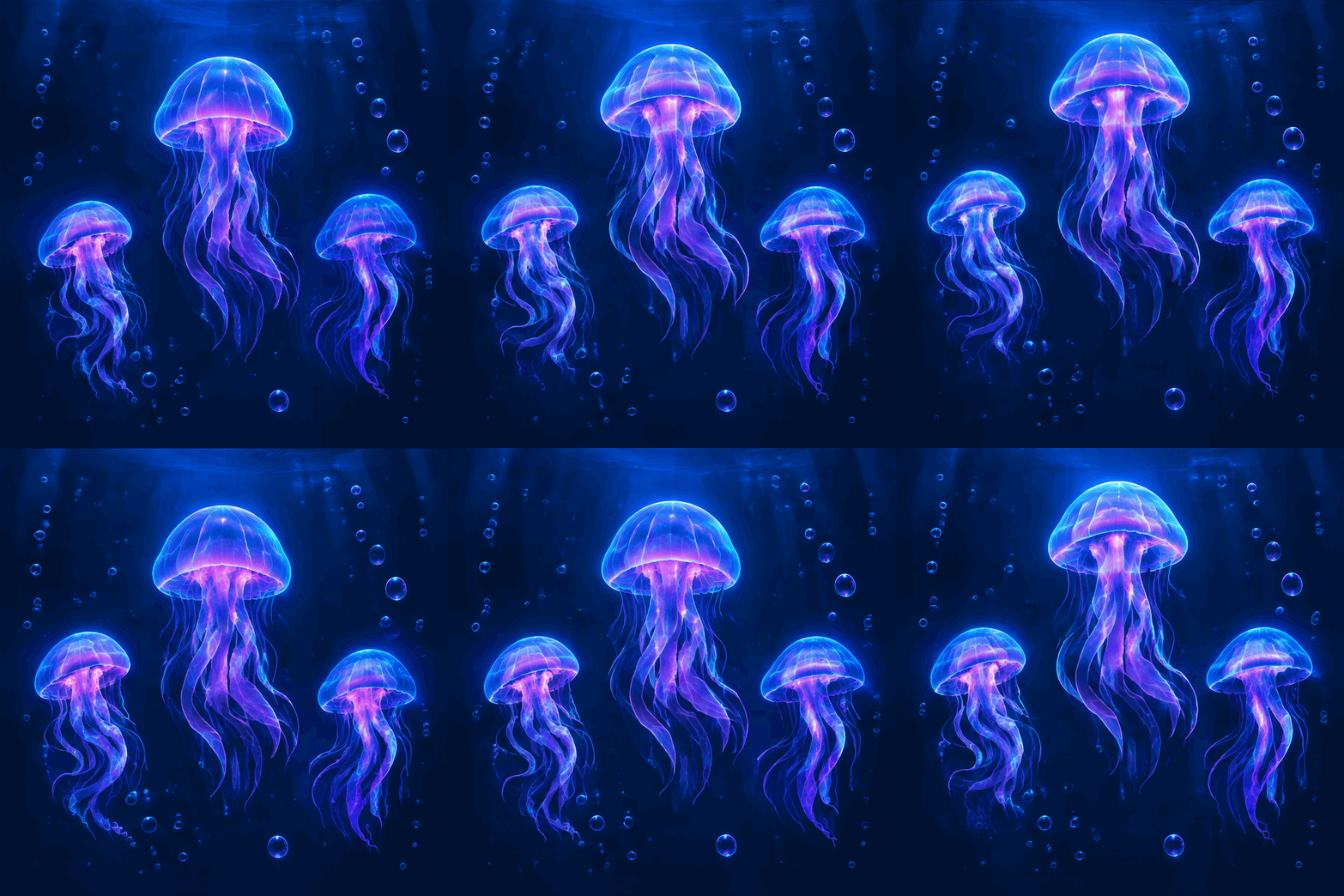
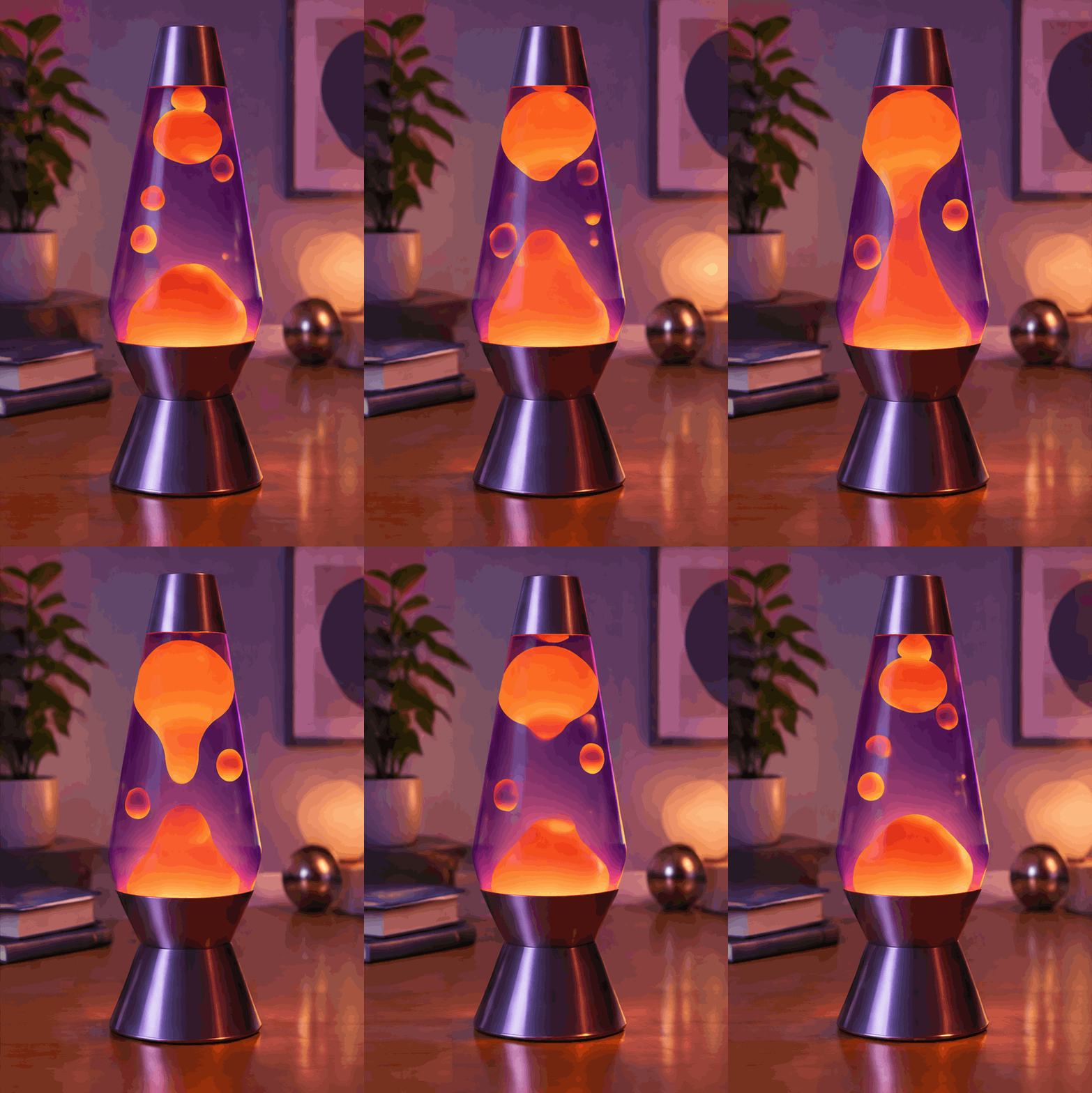
A still scene with one small movement: steam, rain, drifting or flowing. These loop the most cleanly, and Slow speed suits them.
 GIF
 GIF
 GIF
 GIF
GPT Image 2.6 prompts for character animation
One character, one action, a named viewpoint. A style word such as Claymation or Anime sets the whole look.
 GIF
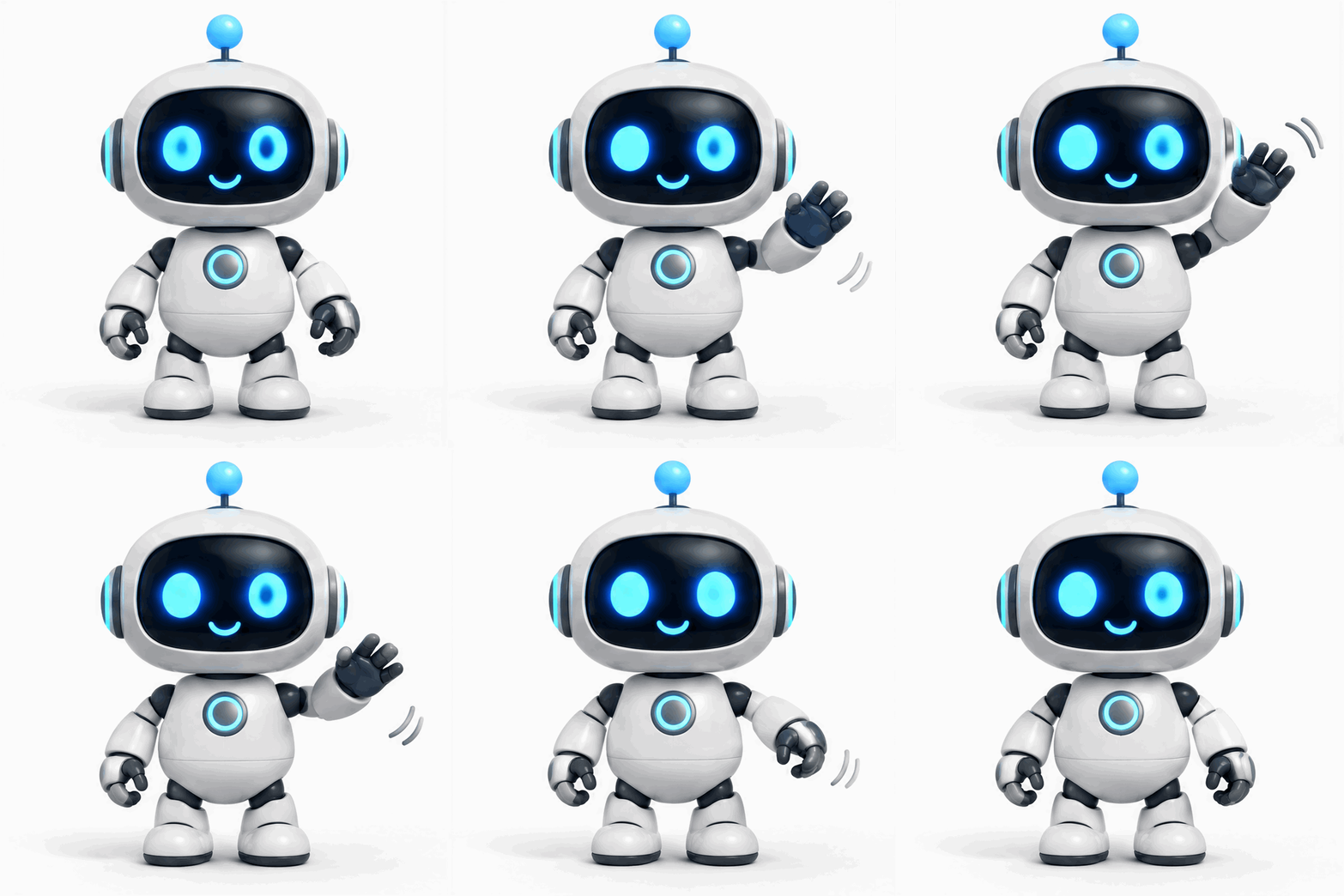
 GIF
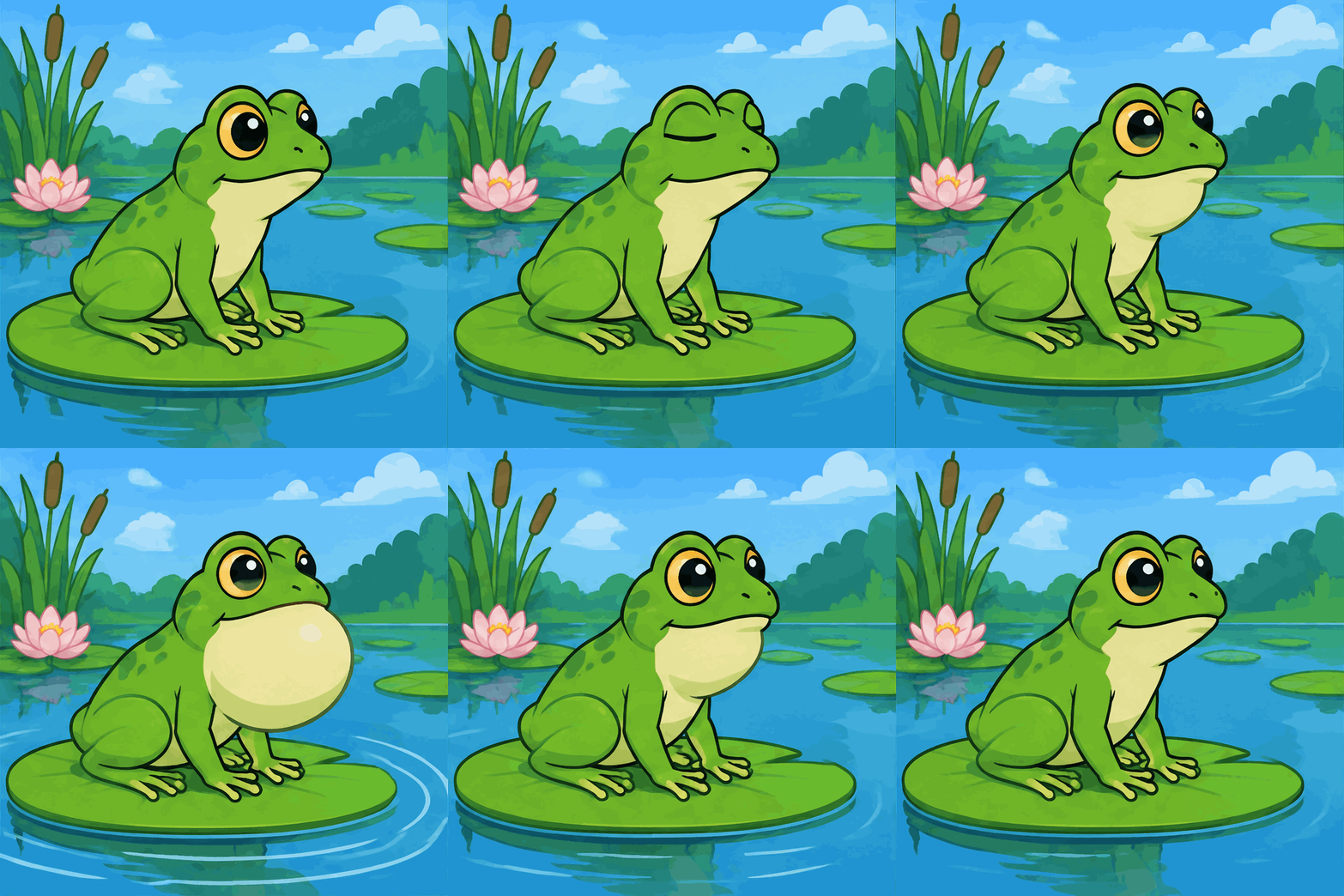
 GIF
 GIF
GPT Image 2.6 prompts for product GIFs
Short loops for a shop page or an ad: a turn on a pedestal, a sweep of light, a drop of water. "No logos" keeps the product generic.
 GIF
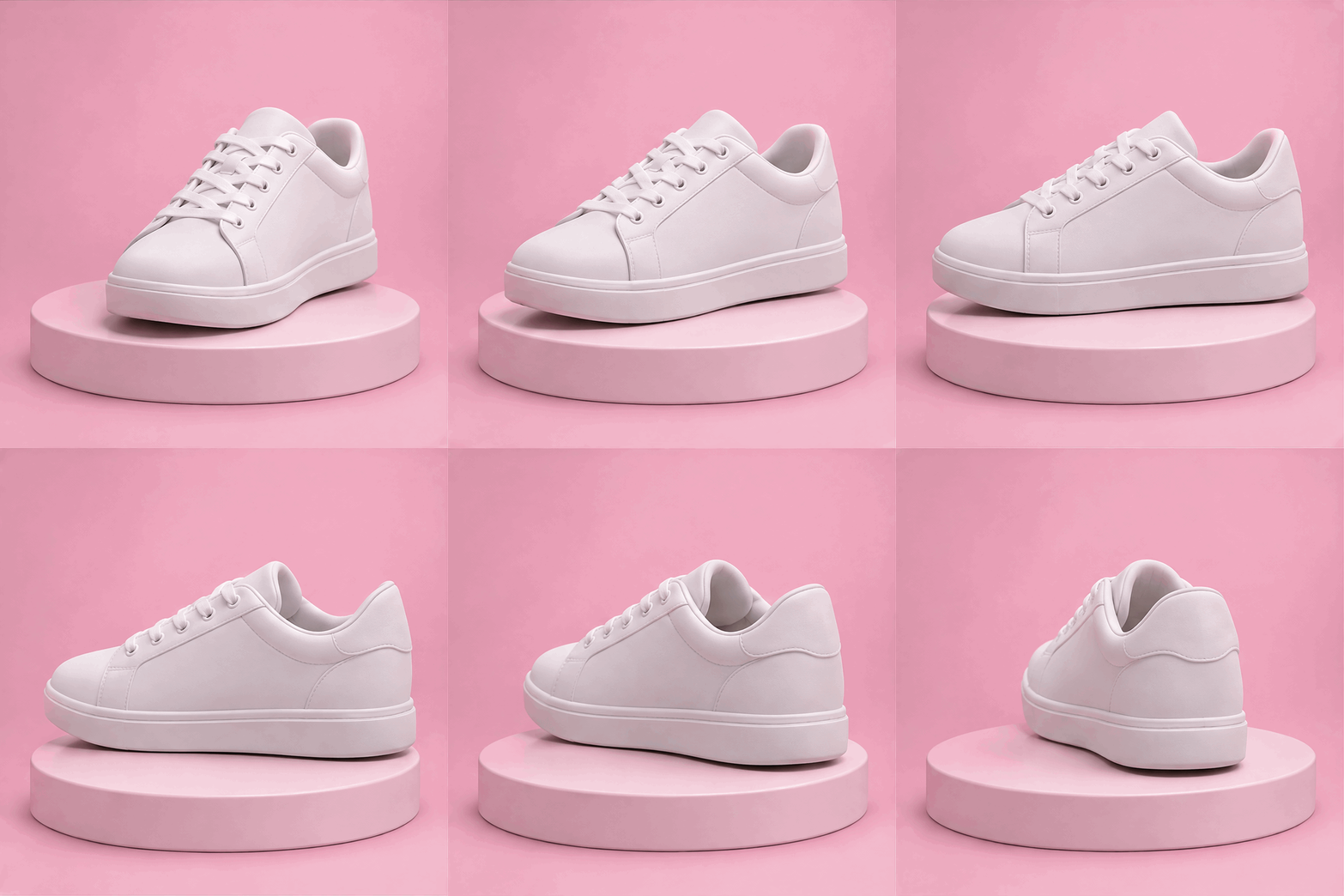
 GIF
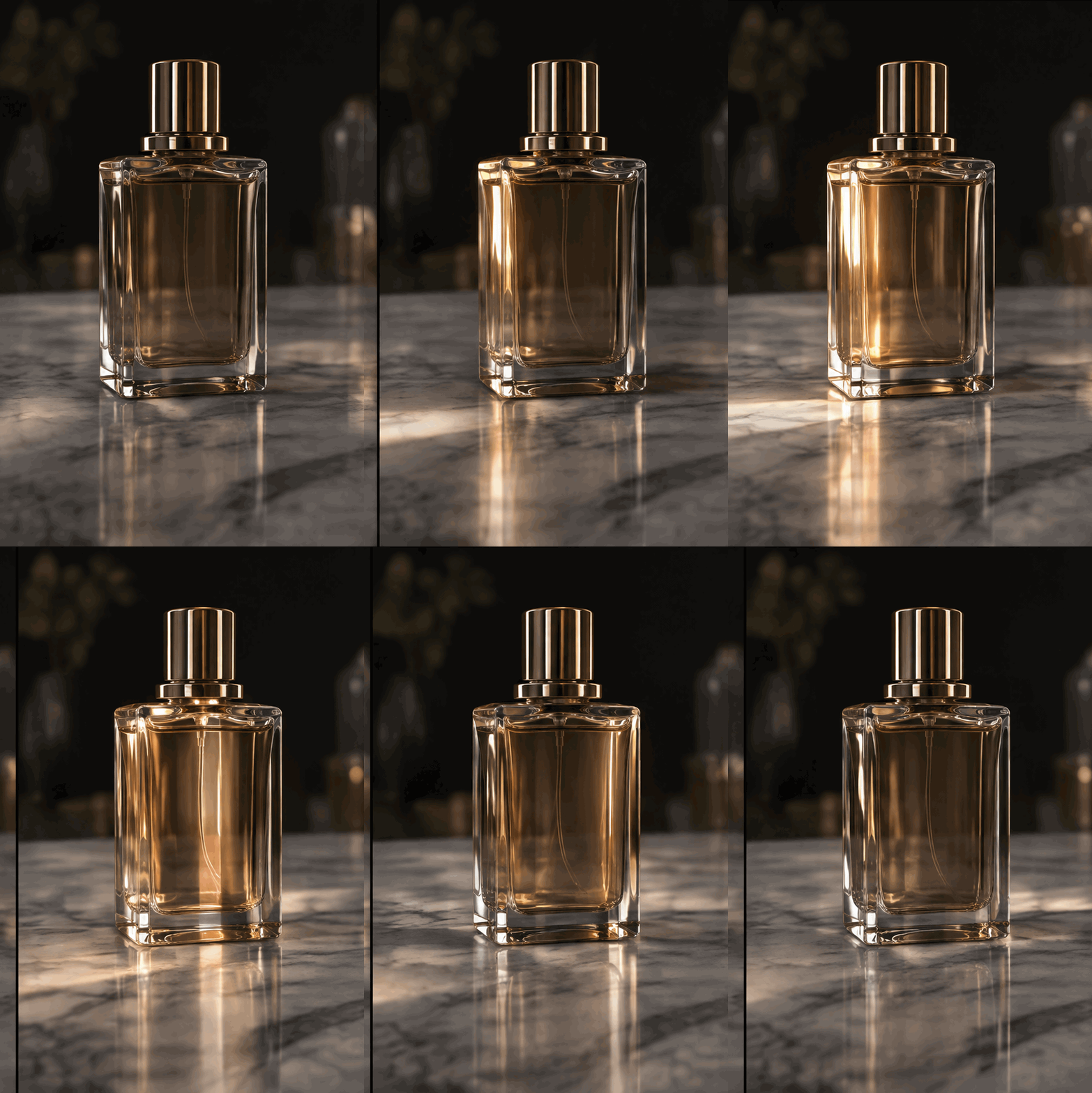
 GIF
 GIF
Icon and loader GIF prompts
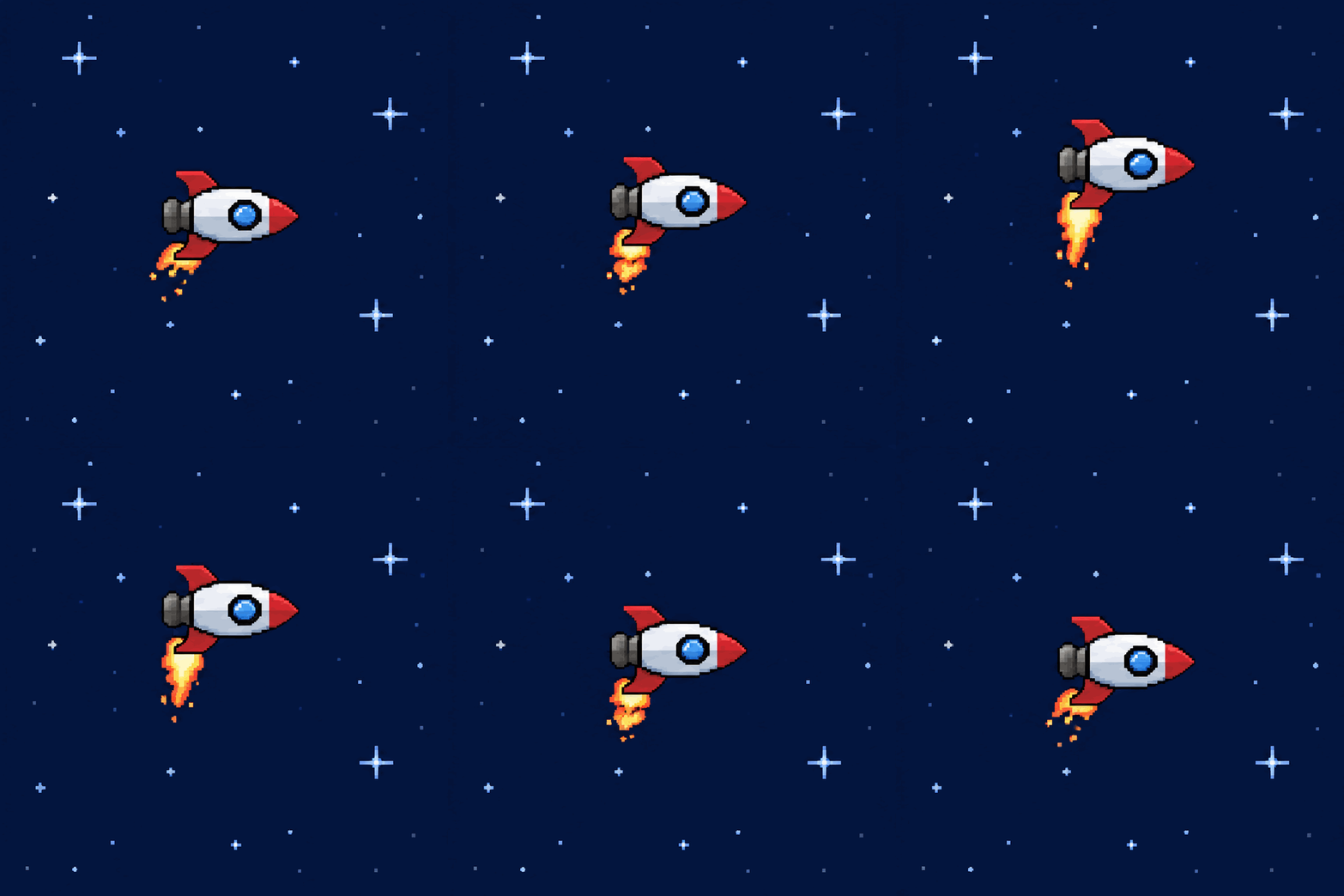
A single object on a flat background at 8 frames, which is enough for a spin or a bounce and costs the least. Ask for a "solid backdrop that fills the whole frame": with only "plain light blue background", the envelope came back twice with see-through patches.
 GIF
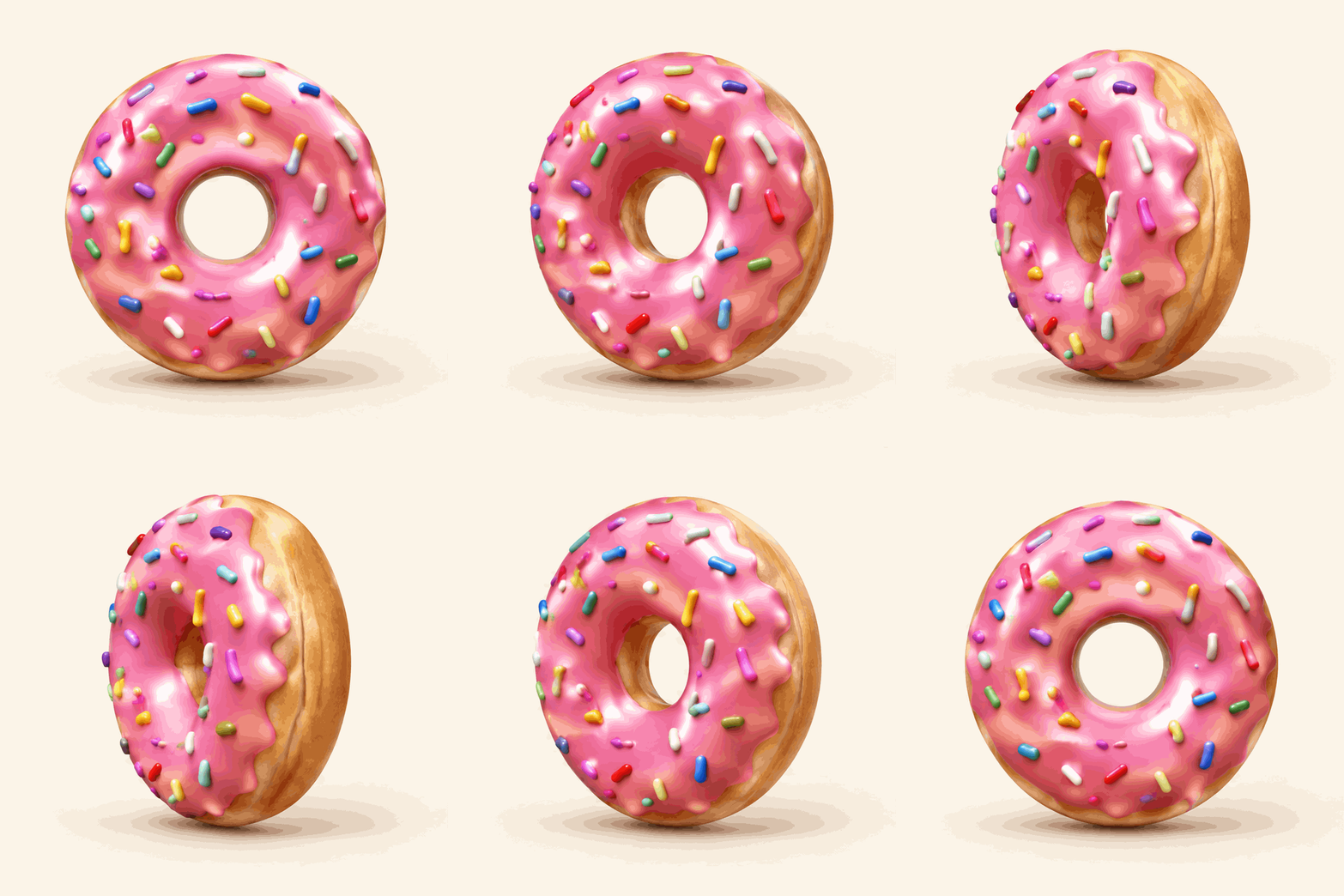
 GIF
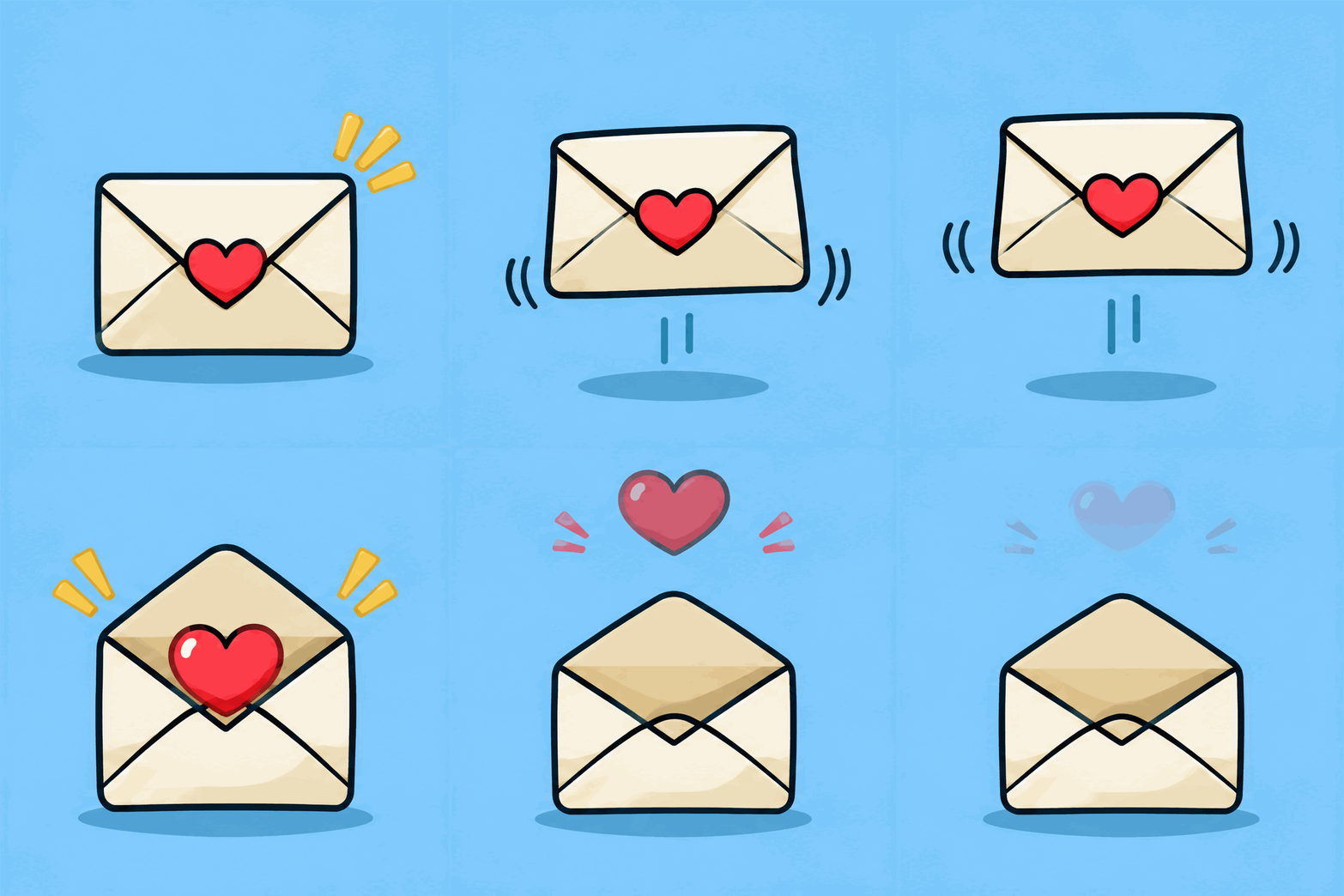
 GIF
GPT Image 2.6 prompts for still pictures
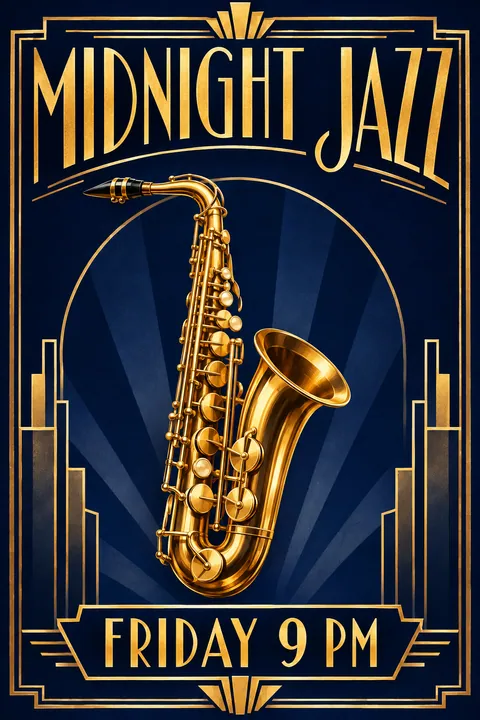
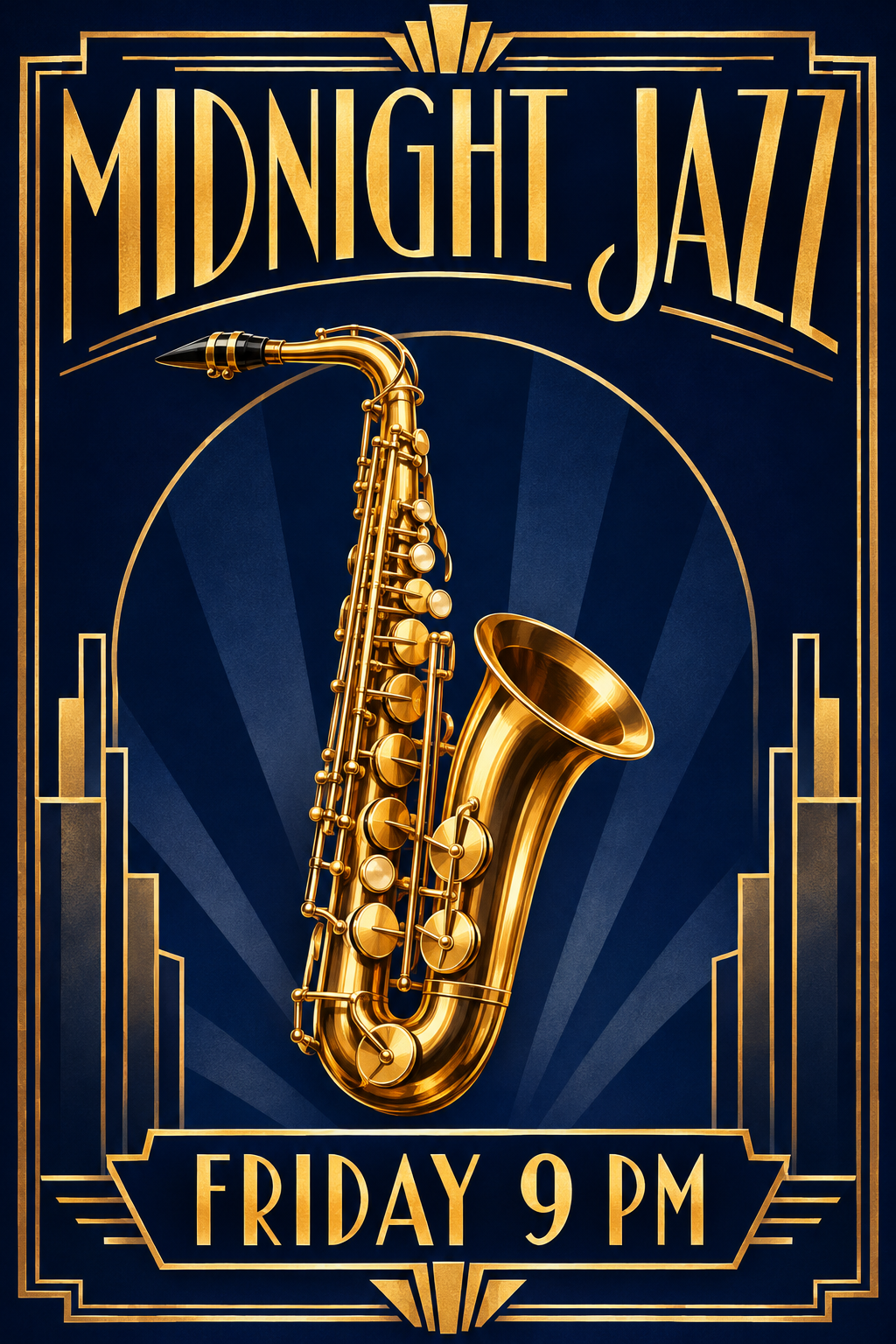
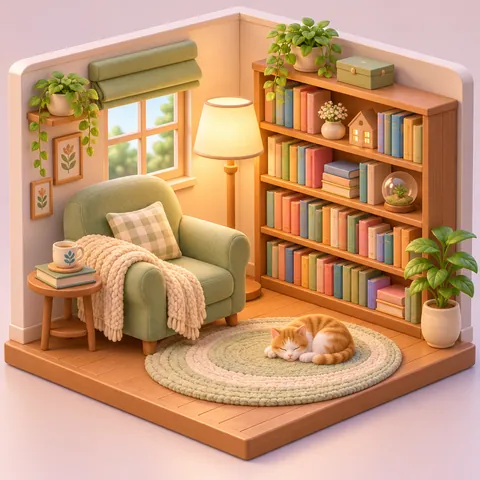
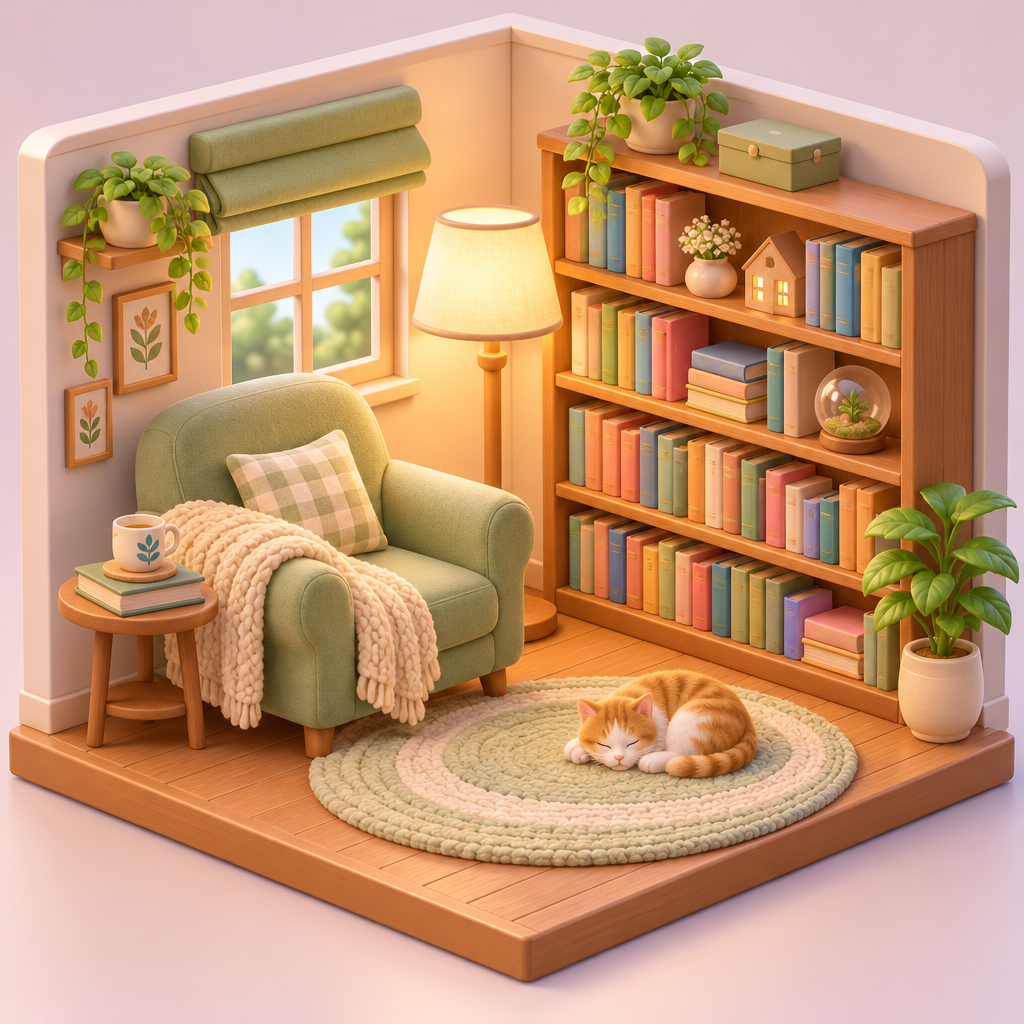
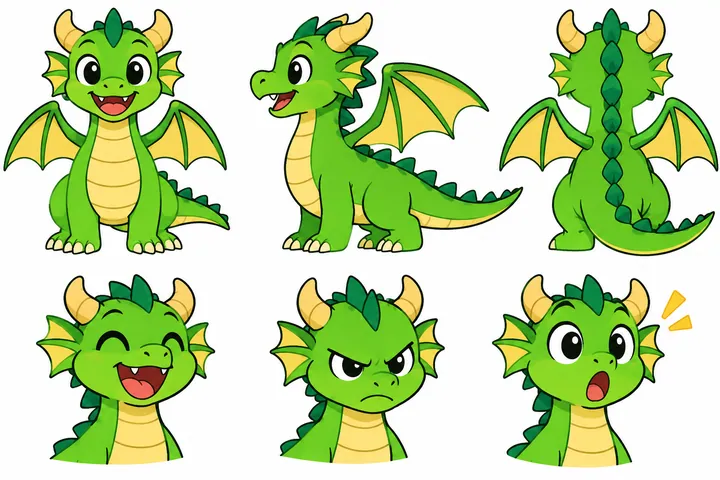
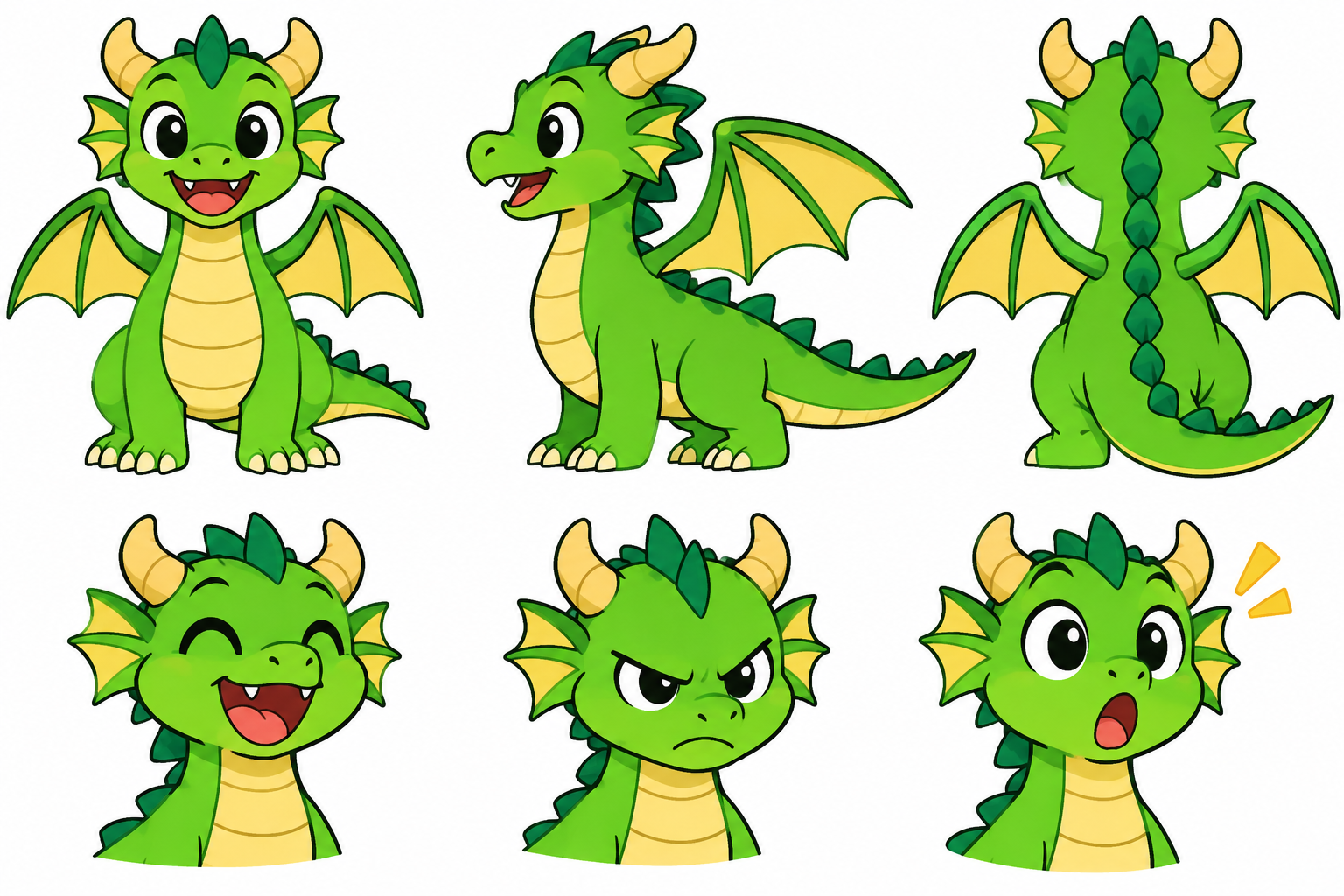
The same model without motion: a poster with exact lettering, a product photo, an isometric room and a character sheet.
 PNG
 PNG
 PNG
 PNG
GIF settings to use with a GPT Image 2.6 prompt
A GIF from GPT Image 2.6 has three settings besides the prompt: the frame count, the time each frame stays on screen, and the frame size. In the API they are frame_count, frame_duration_ms and size, sent with output_format set to gif. Here they are the Frames, Speed and Shape buttons.
In our tests the API refused more than 16 frames. It also draws all frames on one sheet whose longest edge is 3,840 pixels at most, so 1,024-pixel frames failed at 12 and 16 frames. That is why the GIFs on this page are 720 x 720, 576 x 864 or 864 x 576.
Use 8 frames for a spin, a bounce or a blink, 12 for most scenes and 16 for slow, smooth motion. Slow is 200 milliseconds per frame, Normal 120 and Fast 70. A 12-frame GIF at Normal speed runs for about a second and a half before it repeats.
Flare or Sunburst: which model for which prompt
GPT-Image-2.6 Flare is the fast model and made most of the results on this page, at medium quality. A 12-frame Flare GIF took about 20 seconds in our runs and a still picture about 7.
GPT-Image-2.6 Sunburst is slower and keeps detail steadier from frame to frame. We used it at high quality for the sneaker, where the shape must not wobble as it turns, and for the poster, where every letter has to be right. The HD sneaker GIF took 45 seconds and the HD poster 37.
What ImagenGIF adds to your prompt
The GPT Image 2.6 prompts on the cards are what we typed. Before a GIF request goes to OpenAI, ImagenGIF adds a short description of the chosen style and two sentences: "Keep the subject, colors, lighting and framing consistent across frames; only the motion changes." and "Seamless loop: the last frame flows straight back into the first." Every request also ends with a line that asks for no real people, celebrities, logos, copyrighted characters or watermark.
If you paste a prompt into ChatGPT or send it to the API yourself, add those sentences. Without them the subject is more likely to change between frames.
Every prompt here runs in the GPT Image 2.6 generator. For meme, pet, birthday and animated text prompts, open the AI GIF prompts library. If you use ChatGPT, read can ChatGPT make GIFs, and for the basics see how to make a GIF with AI. Credits are listed on the pricing page, and the AI GIF generator takes any idea of your own.
Pick your GIF tool
GPT Image 2.6 online
Flare or Sunburst, GIF or still picture, no ChatGPT plan needed.
Text to GIF
Animated words in neon, glitter, bubble letters, fire or 8-bit.
GIF meme generator
Original reaction GIFs with your caption.
Birthday GIF maker
A new happy birthday GIF with the name in it.
Pixel art GIF maker
Looping 8-bit and 16-bit style scenes and characters.
Pet GIF maker
Animate your pet's photo or make a head pat GIF.
Original GIFs, clear rules
ImagenGIF makes new images from your words with OpenAI's GPT-Image-2.6. Do not ask for sexual content, real people (including celebrities and politicians), minors, or copyrighted characters and logos. Every prompt is checked before anything is charged, OpenAI applies its own safety filters, and a blocked generation is refunded. ImagenGIF is an independent site and is not affiliated with OpenAI or Google.
GPT Image 2.6 prompts FAQ
Run your own GPT Image 2.6 prompt
One sentence about what moves. GPT-Image-2.6 draws every frame, and the GIF loops on its own.
Open the GPT Image 2.6 generator