Can ChatGPT Make GIFs? Yes, Here Is How (2026)
 ImagenGIF
Can ChatGPT make GIFs? Yes, since Images 2.6 on Nov 4, 2026. See the steps, prompts that loop, the limits, and when a GIF generator is the better tool.
Can ChatGPT make GIFs? Yes. Since OpenAI released ChatGPT Images 2.6 on November 4, 2026, ChatGPT can turn a text prompt or a photo into a real animated GIF, with no sprite sheet, no second app and no video step.
Most of the advice you will find on page one is older than that. It tells you to ask for a sprite sheet, use a custom GPT, or animate an image in Sora. This guide covers what ChatGPT does today, how to ask for a GIF, what OpenAI has and has not published, and when another tool is a better fit.
Can ChatGPT make GIFs? The short answer
ChatGPT makes GIFs natively now. You ask for one in plain words and it returns a looping animation. According to coverage of OpenAI's launch, you can then change how fast it plays and revise individual frames in the same chat.
Two caveats. First, OpenAI describes the rollout as gradual, so a GIF request may not work in your account yet. Second, OpenAI has not published per-plan GIF limits, so how many you can make is not known.
What changed with ChatGPT Images 2.6
OpenAI's launch post is titled "Now with GIFs and reference images". Here is what the launch includes, with the source for each claim at the end of the list.
- Animated GIF creation. You can start from a written prompt or an uploaded photo.
- Speed control. You can change how quickly the animation plays after it is made.
- Frame editing. You can revise specific frames when part of the animation does not work.
- Saved reference images. You can keep reference images of yourself, pets and characters and reuse them without uploading again. This is a general Images 2.6 feature, not something OpenAI describes only for GIFs.
- Faster images. OpenAI says Images 2.6 generates images 50% faster.
- Two API models. GPT-Image-2.6 Flare is tuned for speed and GPT-Image-2.6 Sunburst for detail and steadier edits.
Sources: OpenAI's Images 2.6 announcement, as summarized by TestingCatalog, Unite.AI and Trending Topics. OpenAI's own page blocked our automated reader, so the speed and frame details here come from those reports.
On plans, the coverage says Images 2.6 is rolling out to all ChatGPT and Codex users on web, desktop and mobile. eesel reports it is live on every plan, including Free. None of these sources gives a GIF-specific quota, a maximum length or a file size limit, so we do not either.
How to make a GIF in ChatGPT
Menu names can change, so treat these steps as the pattern, not a screenshot tour.
- Open a new chat in ChatGPT on the web, desktop or mobile app.
- Ask for a GIF by name. Use the word "GIF" and say it should loop.
- Describe one subject and one motion. To animate your own picture, attach the photo and say what should move.
- Wait for the result. If it is too slow or too fast, ask for a different speed in the next message.
- If one part is wrong, ask for that frame or that detail to be fixed instead of starting over.
- Download the file from the image in the chat.
The best prompts describe one short action that repeats. Three that loop well:
- "Make an animated GIF of a paper boat rocking on small waves, flat cartoon style, plain blue background, seamless loop."
- "Make a GIF of a sleepy orange cat slowly blinking on a stack of books, soft anime style, seamless loop."
- "Make a GIF from this photo: my dog tilts its head left and right, everything else stays still, seamless loop."
Here is the kind of result you are aiming for, a single subject, one motion and a clean loop:
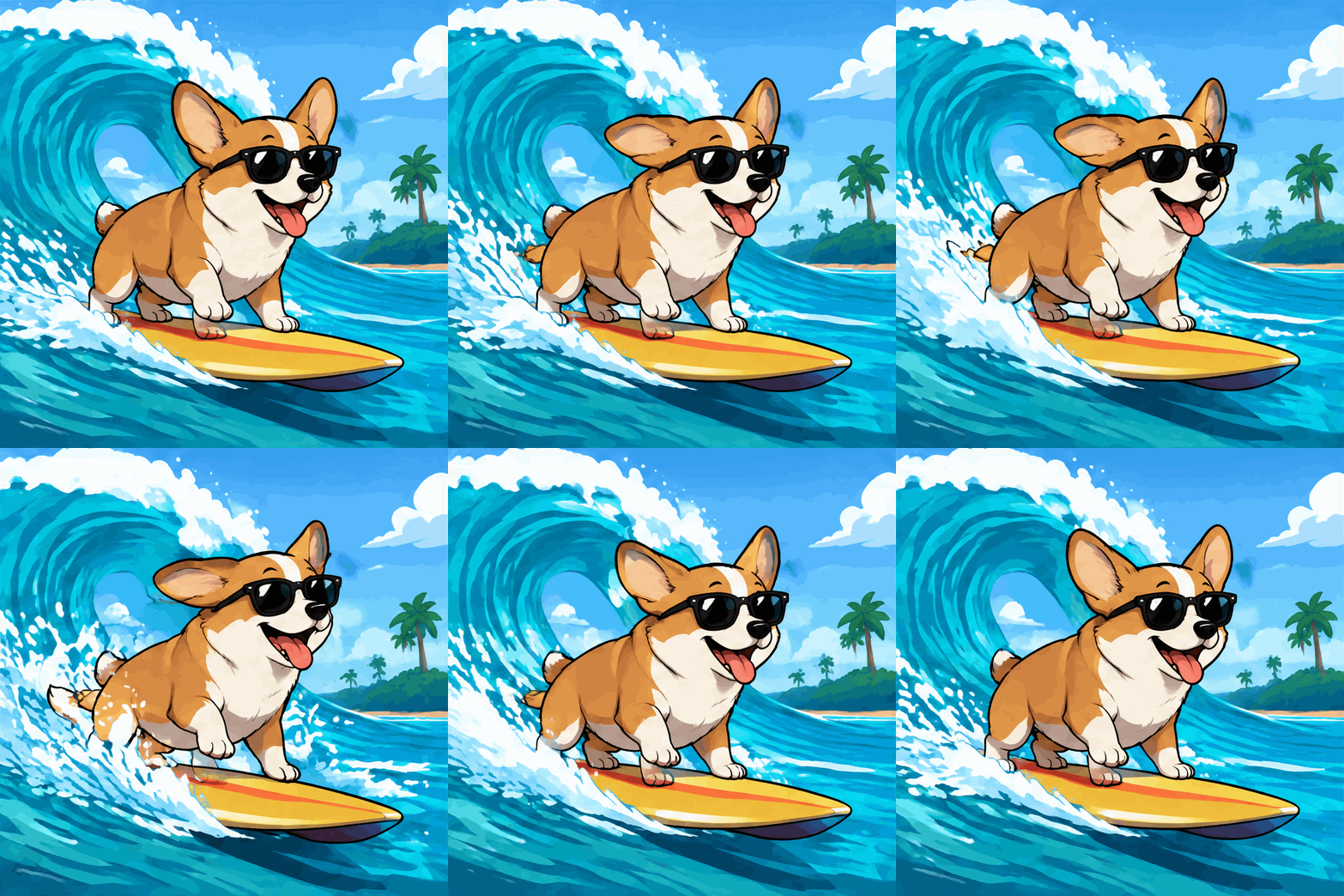
For a longer prompt formula and ten more prompts, see how to make a GIF with AI.
Limits and what ChatGPT can't do
Some of this is confirmed and some is simply not published. We have kept the two apart.
Not published by OpenAI (as far as we could find):
- How many GIFs each plan can make, including Free.
- The maximum frame count, loop length or file size of a GIF made in ChatGPT.
- Whether GIFs carry a watermark.
Reported or confirmed:
- One report says ChatGPT cannot edit an animated GIF you upload. Treat that as likely but not official.
- In the API, OpenAI's image generation guide lists 2 to 16 frames and 20 to 2,000 ms per frame for GIF output, with no streaming. See OpenAI's image generation guide.
- Requests that break OpenAI's content rules are refused, as with any ChatGPT image.
Practical limits you will notice:
- You control frame count, speed and shape by asking in a chat, not with fixed settings, so results can differ between tries.
- Making many variations takes many messages.
- Text inside a GIF can still drift between frames. Keep words short and put them in quotes.
The old workarounds, and why you no longer need them
Before November 2026, ChatGPT could not output a GIF, so people built their own pipeline.
- Sprite sheets. Ask GPT-4o for a 4 by 4 grid of frames, then cut it up and stitch it into a GIF with another tool. It worked, but the frames rarely lined up.
- Gif-PT. A custom GPT that wrapped the same idea. It still depends on the older image models.
- Image, then Sora. Make a still image in ChatGPT, then animate it as a video and convert the video to a GIF. This is slow, and video converted to GIF often looks soft.
- Animated WebP. Some guides made an animated WebP and converted it. This also needed outside tools.
All four are now workarounds for something the model does itself. Use them only if you cannot get GIF output in your account yet, or if you need a video-style result with realistic camera motion.
Can ChatGPT make GIFs as well as a dedicated GIF generator?
ImagenGIF is an independent AI GIF generator that uses the same model family, GPT-Image-2.6, through the OpenAI API. It is not affiliated with OpenAI or Google. The tools differ in how you control the result.
| ChatGPT | ImagenGIF | |
|---|---|---|
| Start from | Chat message, text or photo | Text box, text or photo |
| Frames, speed, shape | Ask in words | Set directly: 8, 12 or 16 frames; 70, 120 or 200 ms; square, portrait or landscape |
| Editing | Conversational, including frame edits | Change settings and generate again |
| Quality choice | Not a visible setting | Standard (Flare) or HD (Sunburst) |
| Cost | Included with your ChatGPT plan and its limits | Credit packs from $4.99 for 40 credits, no subscription |
| Failed results | Not stated | Refunded automatically |
ChatGPT is the better choice if you already pay for it, want to talk the GIF into shape message by message, or want to reuse saved reference images of yourself or your pet.
A generator is the better choice when you want the same settings every time, need exact frame count and speed, or are making many reaction GIFs. A Standard GIF takes about 20 seconds and an HD GIF about a minute. It costs 3 credits (4 at 16 frames) in Standard and 6 in HD, so there is no plan to manage. See pricing.
Two shortcuts if you go that way: the text to GIF maker keeps lettering readable in every frame, and the GIF meme generator adds a caption. The GPT Image 2.6 generator explains the two models. We also compare the options in best AI GIF generators.
FAQ
Can ChatGPT make GIFs for free? OpenAI says Images 2.6 is rolling out to all ChatGPT users, and one report says it is live on the Free plan. OpenAI has not published how many GIFs each plan can make, so free limits are unknown.
How do I make a GIF in ChatGPT? Start a chat, ask for a GIF that loops, and describe one subject and one motion. Attach a photo if you want to animate your own picture. Then ask for changes to speed or to a single frame.
Is there a ChatGPT GIF generator I can use outside ChatGPT? Yes. The same GPT-Image-2.6 models are available in OpenAI's API, and sites built on them, including ImagenGIF, let you set frames, speed and shape directly. They are separate products, not OpenAI tools.
Can ChatGPT animate my photo? Yes. OpenAI's launch lets you start from a prompt or an uploaded photo. Say which part should move and that everything else stays still.
Can ChatGPT edit a GIF I already have? One report says it cannot edit an animated GIF you upload, and OpenAI has not said otherwise. You can ask it to revise frames of a GIF it made itself.
What is ChatGPT Images 2.6? It is OpenAI's image update released on November 4, 2026. It adds animated GIFs, saved reference images and faster generation, and it comes with two API models, gpt-image-2.6-flare and gpt-image-2.6-sunburst.
If you want to see what the model does before deciding, make a GIF here in about 20 seconds.