Released by OpenAI on Nov 4, 2026
GPT Image 2.6 Generator
GPT Image 2.6 is OpenAI's newest image model family, released on November 4, 2026 together with ChatGPT Images 2.6. It adds animated GIF output, SVG output and faster generation. Here you can try GPT Image 2.6 in the browser: write a prompt, pick Flare for speed or Sunburst for quality, and get a GIF or a PNG.
Make my GIFWhat's new
- Both GPT Image 2.6 models are live here: Flare (Standard) and Sunburst (HD), for GIFs and still pictures.
How to use the GPT Image 2.6 Generator
Choose GIF or Image
A GIF of 8 to 16 frames, or one PNG. Both use the same prompt box.
Pick Flare or Sunburst
Standard runs GPT-Image-2.6 Flare for speed. HD runs GPT-Image-2.6 Sunburst at high quality and takes longer.
Write a prompt and download
Describe the subject, style and motion. A picture takes about 7 seconds and a GIF about 20; both stay in your account.
Made with this tool
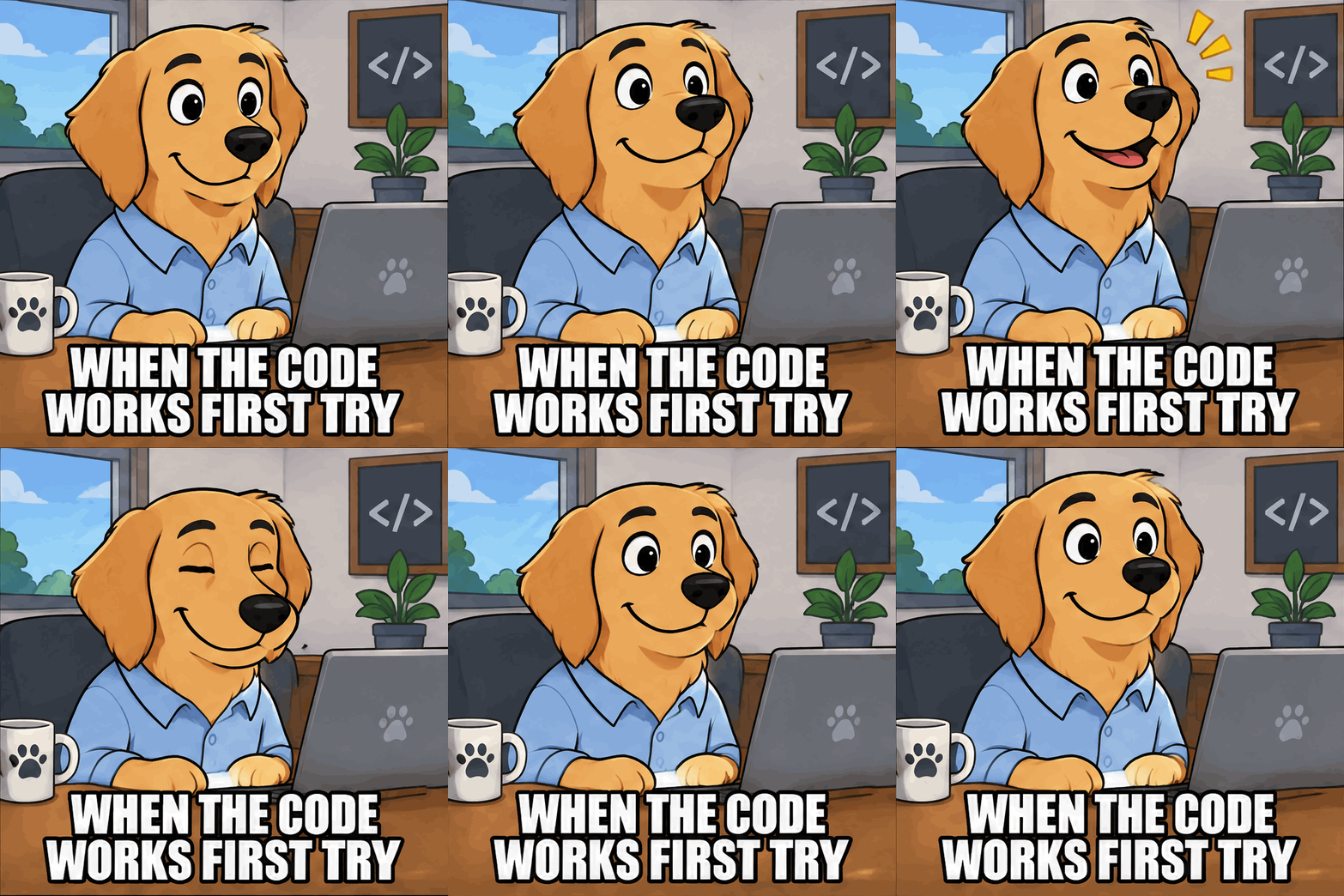
Made on this site with GPT-Image-2.6 from the prompts shown, with no editing afterwards.
 GIF
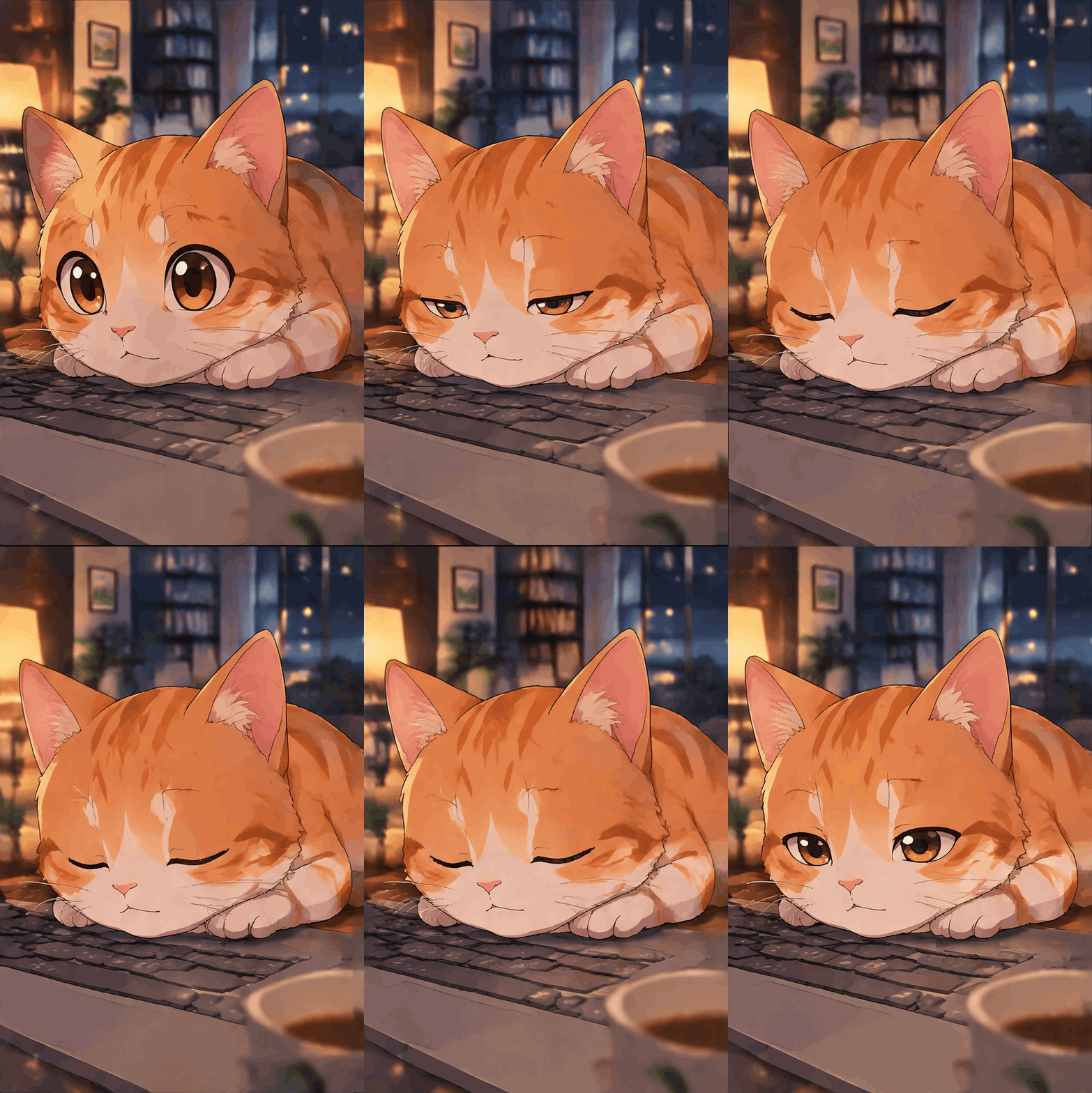
 GIF
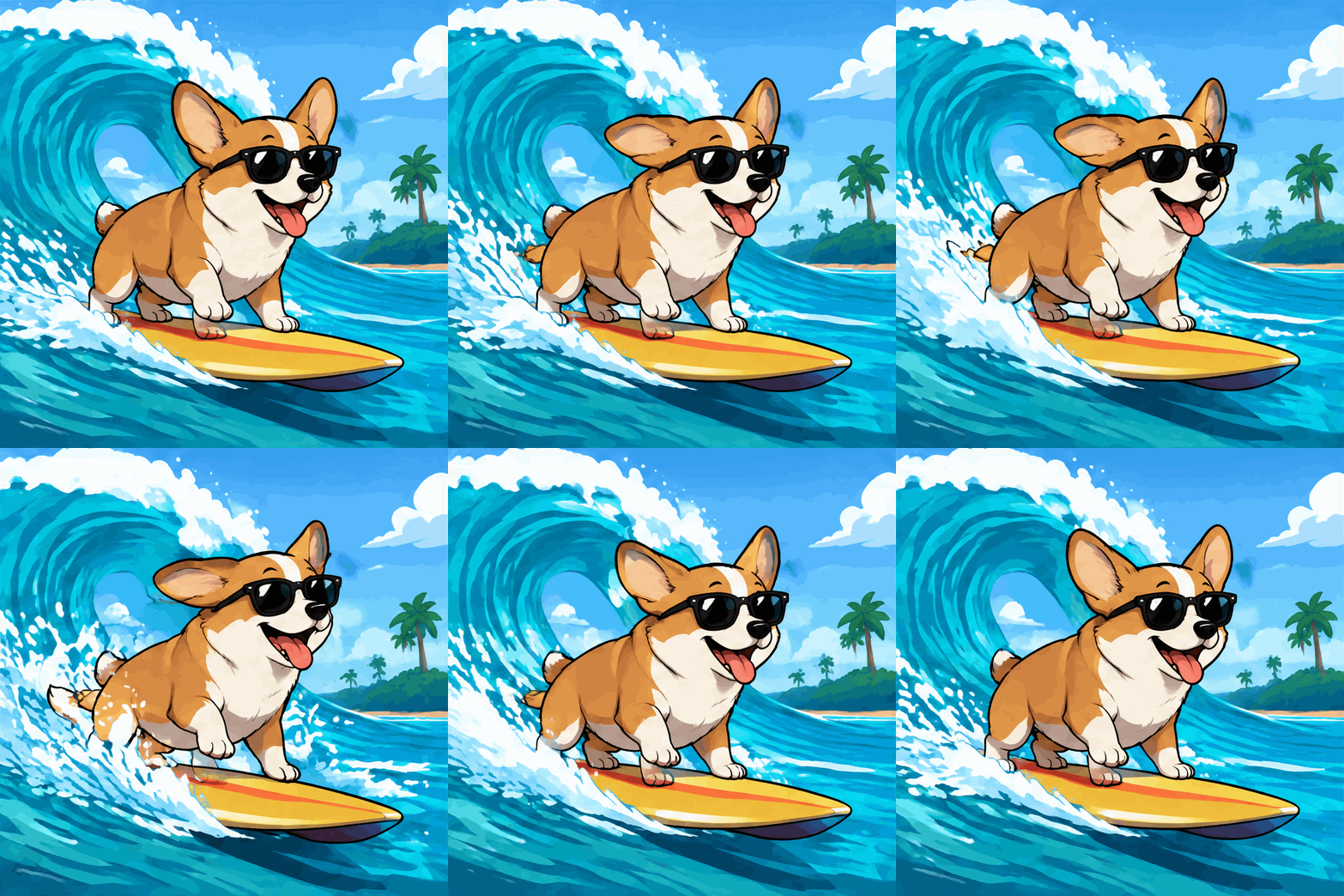
 GIF

 GIF
What is GPT Image 2.6?
GPT Image 2.6 is the November 2026 update to OpenAI's GPT Image models. In the API it comes as two models: gpt-image-2.6-flare, tuned for speed, and gpt-image-2.6-sunburst, tuned for quality and consistency. Both work on the image generation and image edit endpoints, and OpenAI bills them at $30 per million image output tokens.
The headline feature is animated GIF output. Setting the output format to GIF makes the model return a looping animation instead of a single picture, with a frame count and a per-frame duration you choose. OpenAI documents 2 to 64 frames and 20 to 2,000 milliseconds per frame. The release also added SVG output, adjustable complexity and markup-guided editing.
Flare vs Sunburst
Flare is the fast one. OpenAI says it can return an image in as little as six seconds at low quality, and an independent launch-night test measured a 12-frame GIF in about 11 seconds. Sunburst took about twice as long in the same test and draws finer detail and steadier frames.
On ImagenGIF, Standard uses Flare at medium quality and HD uses Sunburst at high quality. A Standard GIF costs 3 credits and an HD GIF 6; a still picture costs 1 or 2. On our own runs, a Standard GIF took about 20 seconds and an HD GIF about a minute.
What's new compared with GPT Image 2.5
GIF and SVG output are new, generation is faster overall, and Sunburst keeps images more consistent across edits. In ChatGPT, Images 2.6 also brought saved reference images and frame-by-frame GIF editing.
The cost per image went up. Early third-party measurements put a 1024 x 1024 picture from GPT Image 2.6 at about $0.025 at low quality and $0.044 at medium, several times the price of 2.5 at the same settings.
In ChatGPT vs on ImagenGIF
In ChatGPT, Images 2.6 runs inside a chat: you ask for a GIF in plain words, can add a reference image, and ask for changes in the next message. How many you can make depends on your ChatGPT plan.
On ImagenGIF you pay per generation and set the frame count, speed and shape directly, without a chat or a subscription. Every result is saved in your account for download. Photo-to-GIF is not available here, because the API does not take an input photo for GIFs.
Want a scene instead? The AI GIF generator makes any idea into a looping GIF. You can also try the text to GIF maker or the GIF meme generator. Credits for every tool are listed on the pricing page, and the guide on how to make a GIF with AI has prompt tips that work everywhere.
Original GIFs, clear rules
ImagenGIF makes new images from your words with OpenAI's GPT-Image-2.6. Do not ask for sexual content, real people (including celebrities and politicians), minors, or copyrighted characters and logos. Every prompt is checked before anything is charged, OpenAI applies its own safety filters, and a blocked generation is refunded. ImagenGIF is an independent site and is not affiliated with OpenAI or Google.
GPT Image 2.6 Generator FAQ
Make your first GIF now
One sentence about what moves. GPT-Image-2.6 draws every frame, and the GIF loops on its own.
Make a GIF