8-bit and 16-bit scenes that loop
Pixel Art GIF Maker
This pixel art GIF maker draws an animated scene from one sentence. Write "a tiny knight runs in place, side view" or "a campfire at night with drifting sparks", and GPT-Image-2.6 draws every frame in a pixel art style and loops it. It is a quick way to get game moods, avatars and stream art. It is not a sprite editor, and the sections below say where that matters.
Make a pixel GIFWhat's new
- Pixel art GIF maker is live, with the Pixel style selected by default and ideas for loops that work.
How to use the Pixel Art GIF Maker
Describe one looping scene
A subject and one repeating action, such as a run cycle, a flicker or a blink. Name the era: 8-bit or 16-bit.
Keep the Pixel style
Pixel is already selected. Choose 8, 12 or 16 frames and a speed; Slow suits calm scenes, Fast suits runs.
Download the pixel GIF
The GIF is drawn at 720 px for a square frame. Download it for a profile, a stream panel or a game page.
Made with this tool
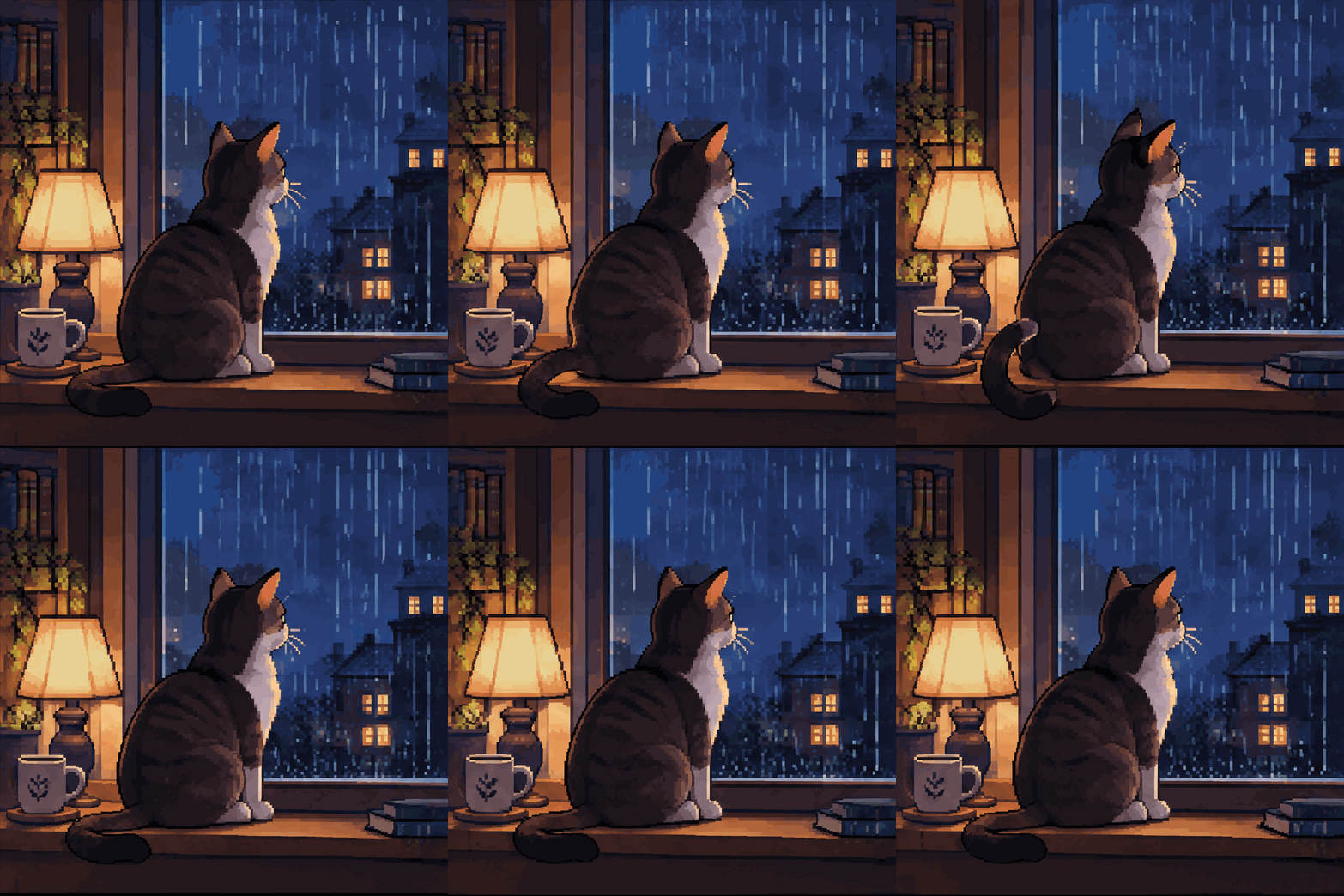
Made on this site with GPT-Image-2.6 from the prompts shown, with no editing afterwards.
 GIF
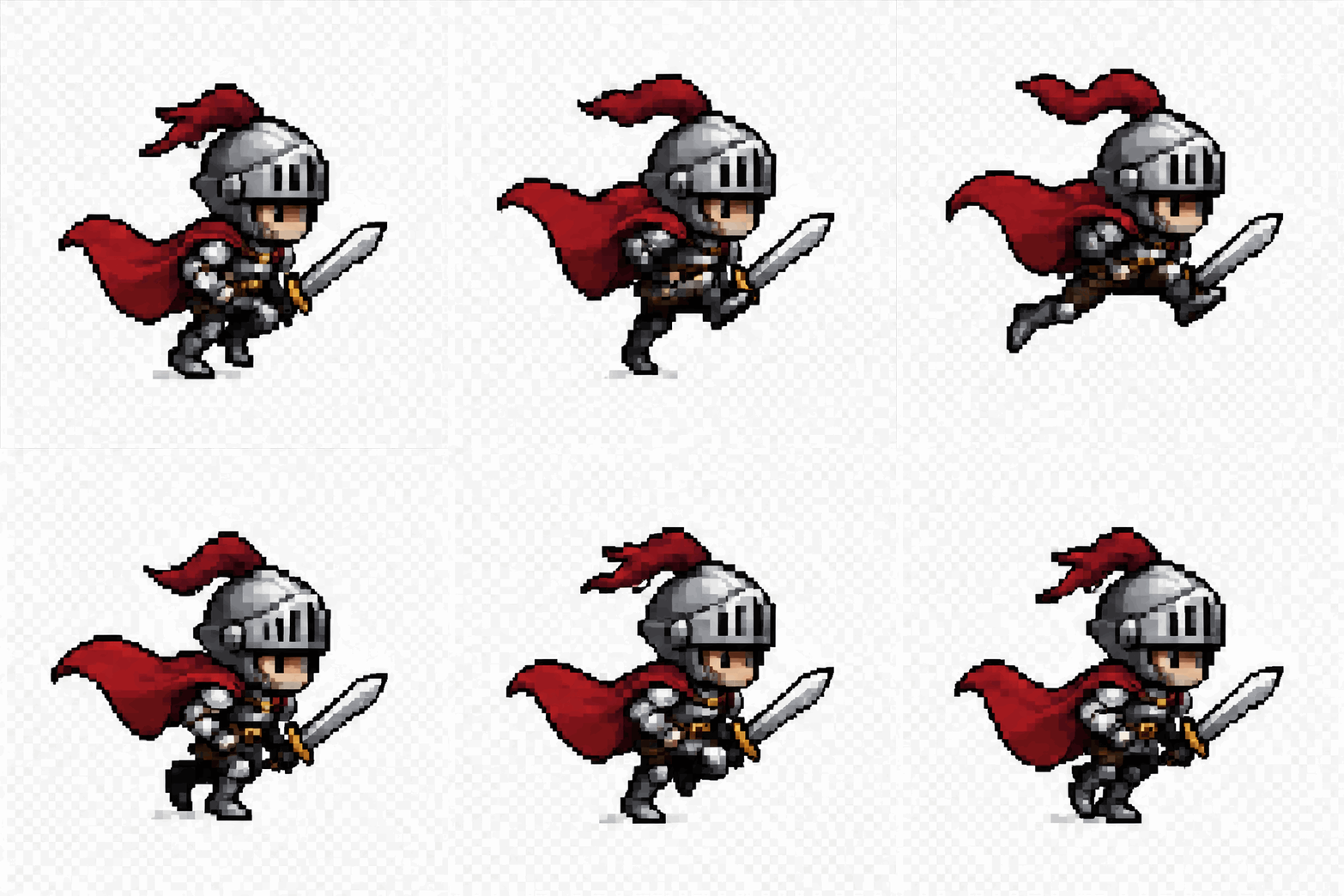
 GIF
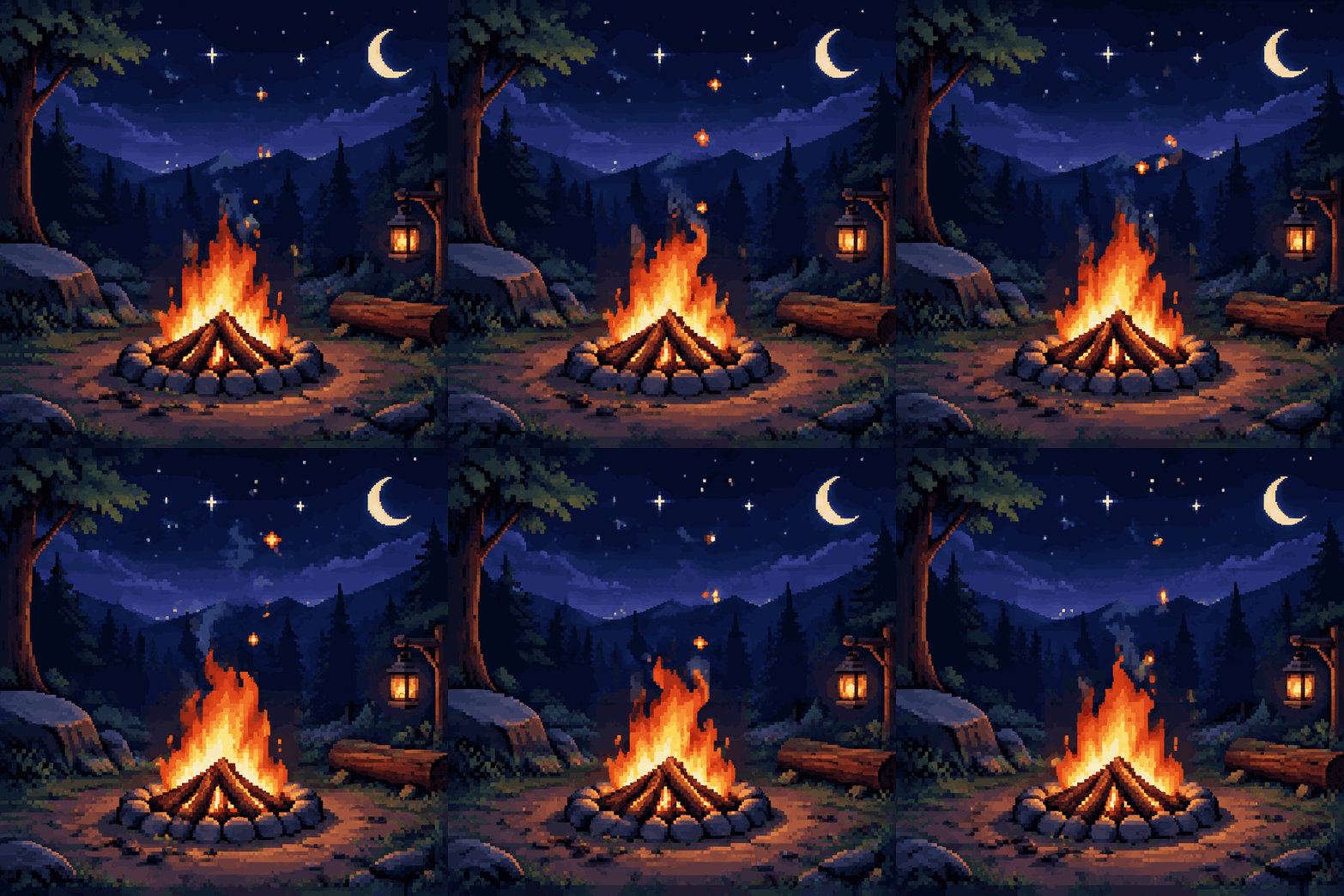
 GIF
 GIF
 GIF

 GIF
 Photo in
 GIF
 GIF

What this pixel art GIF generator makes
The model draws each frame as pixel art: chunky blocks, a limited palette and flat shading. The scene moves because every frame changes a little from the last, and the last frame flows back into the first so it loops.
It also makes still pixel art. Switch the generator to Image mode to get a PNG of a character, a landscape or an item in the same style.
What it is not: a pixel editor
This is not Pixelorama, Pix2D or PixelOver, and it does not export sprite sheets or give you exact pixel grids. The frames are drawn at 720 px by a model that imitates the look of pixel art, so single pixels are not always the same size from frame to frame.
Use it for looping scenes, game moods, avatars and stream art. For production game sprites with frame-exact animation, use a pixel editor, and treat this as a fast way to explore a look first.
Prompt tips for pixel animation
Name the era ("16-bit" or "8-bit"), the camera (side view or top-down), and a limited palette ("warm orange and dark blue"). Then give one looping action: a run cycle, a flicker, a blink, a hop.
Keep the scene small. One character and a simple background stay consistent across frames, while crowded scenes drift. Use HD when fine details, such as a sword or a face, need to stay steady.
What it costs and the rules
A Standard pixel GIF costs 3 credits (4 at 16 frames) and an HD GIF costs 6. Credit packs start at $4.99 for 40 credits.
No real people or celebrities from text prompts, and no copyrighted game characters, logos or sprites. Describe an original hero, creature or scene.
Want a scene instead? The AI GIF generator makes any idea into a looping GIF. You can also try the pet GIF maker or the GPT Image 2.6 generator. Credits for every tool are listed on the pricing page, and the guide on how to make a GIF with AI has prompt tips that work everywhere. For ready-made ideas, browse the AI GIF prompts library.
More GIF tools
AI GIF generator
Any idea as a looping GIF, in cartoon, 3D, pixel art, anime and more.
GPT Image 2.6 online
Flare or Sunburst, GIF or still picture, no ChatGPT plan needed.
Text to GIF
Animated words in neon, glitter, bubble letters, fire or 8-bit.
GIF meme generator
Original reaction GIFs with your caption.
Birthday GIF maker
A new happy birthday GIF with the name in it.
Pet GIF maker
Animate your pet's photo or make a head pat GIF.
Original GIFs, clear rules
ImagenGIF makes new images from your words with OpenAI's GPT-Image-2.6. Do not ask for sexual content, real people (including celebrities and politicians), minors, or copyrighted characters and logos. Every prompt is checked before anything is charged, OpenAI applies its own safety filters, and a blocked generation is refunded. ImagenGIF is an independent site and is not affiliated with OpenAI or Google.
Pixel Art GIF Maker FAQ
Draw your pixel scene in seconds
One sentence about what moves. GPT-Image-2.6 draws every frame, and the GIF loops on its own.
Make a pixel GIF