Thanksgiving GIFs: Funny GIFs to Send or Make
 ImagenGIF
Thanksgiving GIFs to send to family, coworkers and friends, plus 12 prompts and a 20-second way to make a custom happy Thanksgiving GIF with a name or a pet.
Thanksgiving is Thursday, November 26, 2026, and the group chat will fill up with GIFs well before dinner. This page has original Thanksgiving GIFs you can save and send, plus a simple way to make a custom Thanksgiving GIF with a name, a pet or an inside joke in about 20 seconds.
Every GIF below was made with ImagenGIF, so you will not find the same ones on the usual GIF sites. Skim the sections by who you are sending to, copy a prompt, or jump to how to make your own. If you are also planning ahead for December, there is a matching post with Christmas GIFs.
Thanksgiving GIFs for the family group chat
The family chat is where a happy Thanksgiving GIF does the most work. Keep it warm and a little silly.
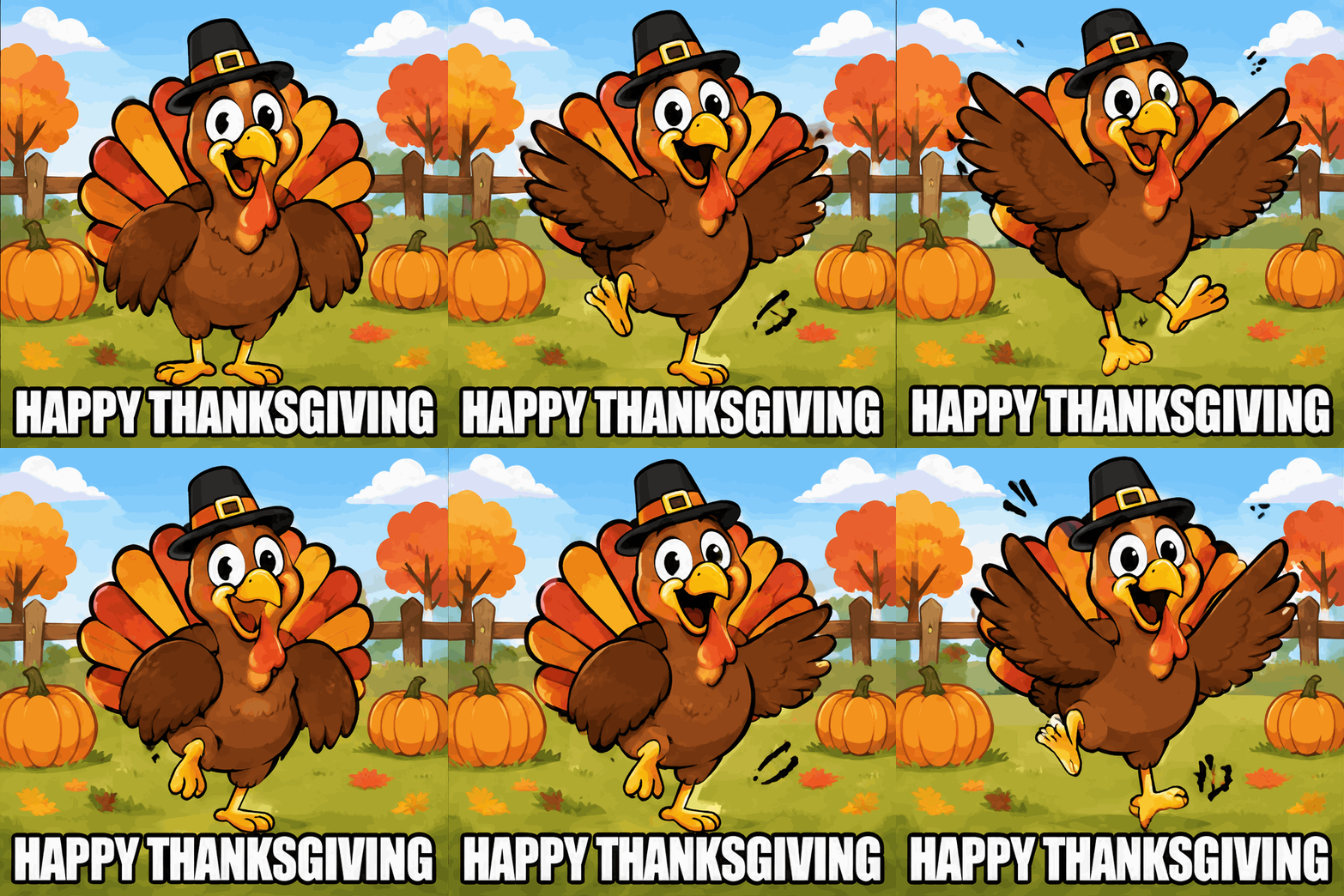
A cartoon turkey in a tiny pilgrim hat doing a happy dance. Send it on the morning of the holiday as a plain greeting to everyone.
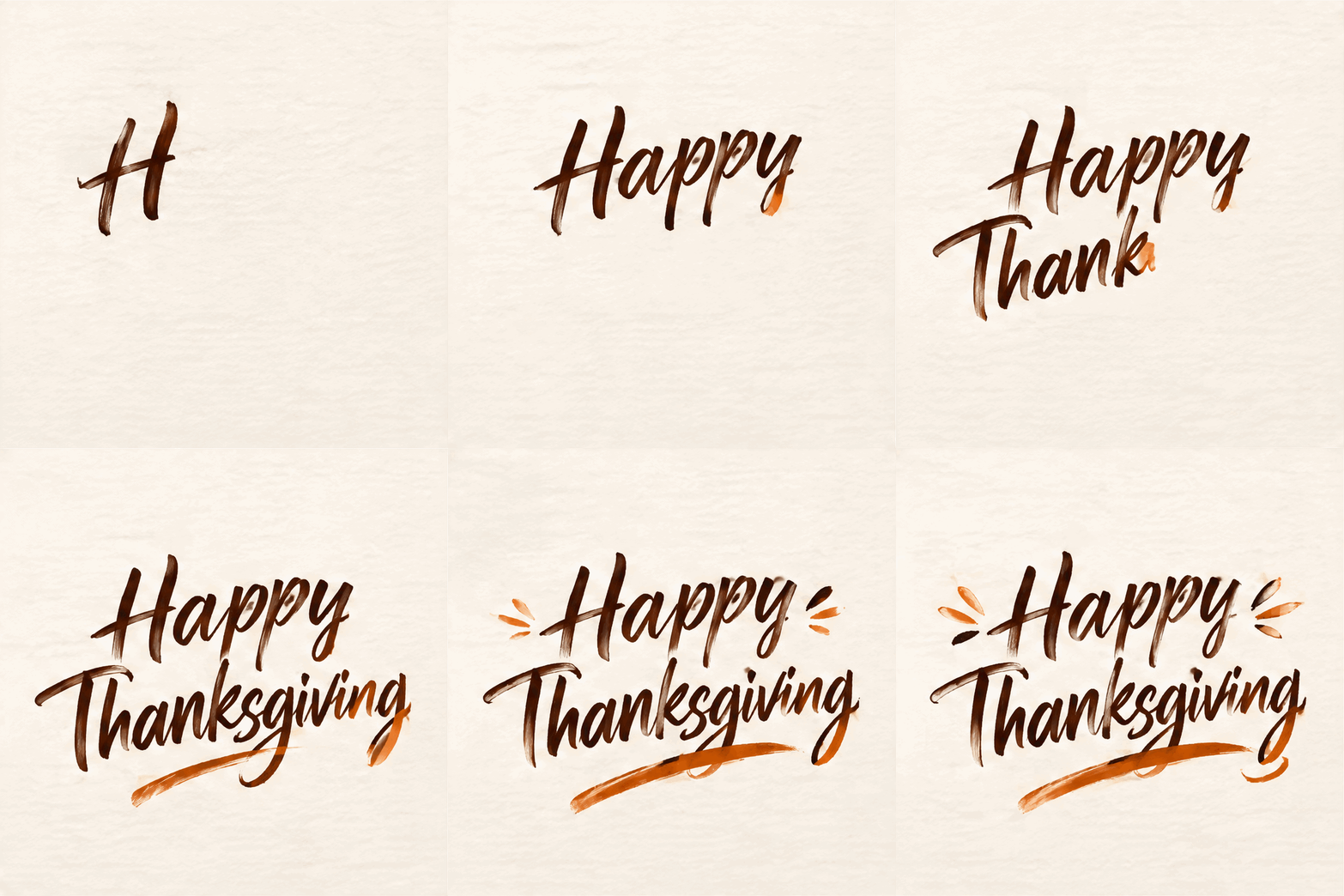
Handwritten brush lettering that writes itself. This one suits aunts, grandparents and anyone who prefers a simple message over a joke.
Funny Thanksgiving GIFs for friends
Friends want the joke. These two work best after the meal, when everyone is full and a bit sleepy.


A man on the couch leans back, pats his full belly and sighs. Send it around 5 pm, right after dinner.
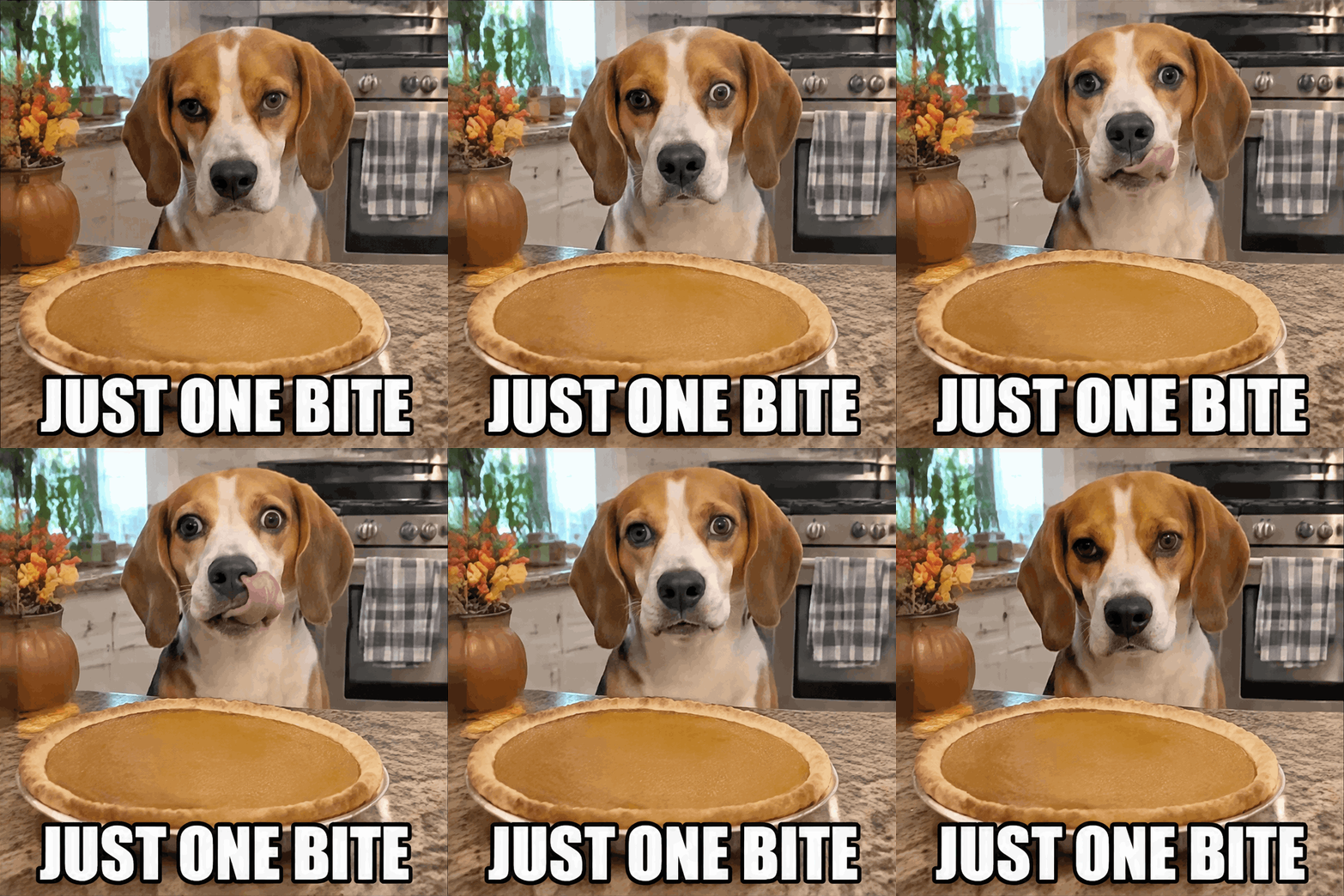
A beagle stares at a pumpkin pie without blinking. Use it when someone asks who is going to cut the pie, or when you are the one hovering near the dessert table.
Thanksgiving GIFs for coworkers on Slack or Teams
Work chats call for something friendly and short. The turkey dance and the brush lettering above both fit a team channel on Wednesday afternoon, when half the office is already gone. The food coma GIF is a good reply to "what are everyone's plans?" on Monday morning. Skip anything about politics or family arguments; a turkey in a hat is safer.
12 more Thanksgiving GIF prompts to copy
Paste any of these into the generator. Each one has a single subject and a single repeating motion, so it loops cleanly.
- "A cartoon turkey in sunglasses nods to the beat, bright autumn background. Caption: "GOBBLE GOBBLE"."
- "A golden roast turkey on a platter, steam rising in slow loops, warm kitchen light."
- "A pumpkin pie with a slice missing, a fork slides in and out of the slice. Caption: "SECOND SLICE"."
- "A cartoon cornucopia spills apples and pumpkins that bounce and roll back in."
- "A grandma in a floral apron waves a wooden spoon and smiles at the camera. Caption: "DINNER IS READY"."
- "A pilgrim hat spins on a kitchen counter while autumn leaves swirl around it."
- "A fall wreath on a front door sways gently, leaves drift past."
- "A family of five cartoon turkeys waves hello one after another. Caption: "THE WHOLE FLOCK"."
- "Mashed potatoes with a pool of gravy, a spoon dips in and lifts out. Caption: "PASS THE GRAVY"."
- "Handwritten brush lettering "Thanks, Mom" that writes itself in warm orange."
- "A cartoon turkey wearing a name tag that says "Sam" does a tiny dance. Caption: "SAM'S FIRST THANKSGIVING"." (swap in any name)
- "Animate my dog: the dog tilts its head and stares at the turkey on the table." (from your pet's photo, using Add a photo)
How to make your own Thanksgiving GIF
You do not need an editing app. A Thanksgiving GIF maker only needs a sentence.
- Open the right tool. Use the GIF meme generator for a captioned reaction, the text to GIF maker for lettering, or the AI GIF generator for scenes. To animate your own pet or family photo, press "Add a photo" in the AI GIF generator. Other tools are compared in our best AI GIF generators guide.
- Type one subject and one repeating motion. Add a short caption in quotes if you want words on the GIF. Our AI GIF prompts page has more starting points.
- Choose Standard, 12 frames and 120 ms. This is the setting that gives a smooth loop for reactions and greetings.
- Press generate. A Standard GIF takes about 20 seconds.
- Download the GIF and send it.
Add a name, a nickname or an inside joke to the caption and the GIF becomes personal. That is the part Giphy and Tenor cannot do. If you are making one for a birthday near the holiday, the birthday GIF maker works the same way.
Rules that keep it fun: no real celebrities or public figures, and no copyrighted characters such as Snoopy, Charlie Brown or other cartoon and movie characters. Describe an original character instead, like "a cartoon turkey in a tiny pilgrim hat".
Sending tips
GIFs play inline in most chat apps, including iMessage, WhatsApp and Slack, and in many email apps. A 12-frame GIF from ImagenGIF is a few megabytes, which is fine for a family chat or a work channel. If a message app turns the GIF into a still picture, send it as a file or share the download link instead. Test it once before you send it to the whole team.
FAQ
Are Thanksgiving GIFs from ImagenGIF free? Signing up is free, but GIFs cost credits. A Standard GIF is 3 credits (4 at 16 frames) and an HD GIF is 6. Packs start at $4.99 for 40 credits and go up to $49.99 for 700, with no subscription. See pricing. A failed generation is refunded.
Can I add a name to my Thanksgiving GIF? Yes. Put the name in the prompt or in the caption in quotes, for example Caption: "GRANDMA'S PIE". For crisp lettering, use the text to GIF maker.
Can I use a photo of my family? Yes, use photos you have the right to use. Press "Add a photo" and say what should move, for example "the dog tilts its head". Photos are deleted from our storage after 7 days. Do not upload photos of celebrities or public figures.
Can I post these on social media? Yes, GIFs you make are yours to share with family, friends and followers. Do not use them to imitate real people or to pass off copyrighted characters as your own.
What makes a funny Thanksgiving GIF work? One clear subject, one repeating motion and a short caption in capital letters. Turkeys, pie, pets and a full belly are the safest jokes.
For more ideas before the holiday, try the Christmas GIFs post, which has the same kind of prompts for December. ImagenGIF is independent and not affiliated with OpenAI or Google.